
热门标签
热门文章
- 1Redis核心技术与实战【学习笔记】 - 14.Redis 旁路缓存的工作原理及如何选择应用系统的缓存类型
- 2HTML学生个人网站作业设计:电影网站设计——电影资讯博客(5页) HTML+CSS+JavaScript 简单DIV布局个人介绍网页模板代码 DW学生个人网站制作成品下载
- 3【3D激光SLAM(二)】Velodyne激光SLAM学习之Velodyne-16线激光雷达在Jetson Nano上的配置使用_jetson 使用雷达
- 4数学的基本运算可分为三个等级。第一级为加、减运算,“连加”或“连减”时发明了第二级运算——乘法和除法,“连乘”和“连除”,即“乘方”。乘方有两种逆运算分别是“开方”和“对数”。这是第三级运算特殊之处_一共有几级运算
- 5树莓派4B部署Intel Realsense T265相机
- 6一个完整个springboot项目开发流程(毕设,源码暂不开放)_springboot项目流程
- 7jdk8新特性(Lambda、Steam、函数式接口)_jdk steam
- 8Jmeter使用技巧(三) : Jmeter调优日志查看方法_jmeter怎么查看日志
- 9CodeForces - 1081D Maximum Distance (最小生成树)_最小生成树可以有重边吗
- 10作为开发人员,这四类Code Review方法你都知道吗?
当前位置: article > 正文
Vue3.2 + TypeScript + Pinia + Vite4 + Element-Plus + 微前端(qiankun)后台管理系统模板(已开源---新增菜单及按钮权限控制)_使用vue+typescript开发好看的数据监测网页
作者:思考机器4 | 2024-02-04 13:39:53
赞
踩
使用vue+typescript开发好看的数据监测网页
最终效果
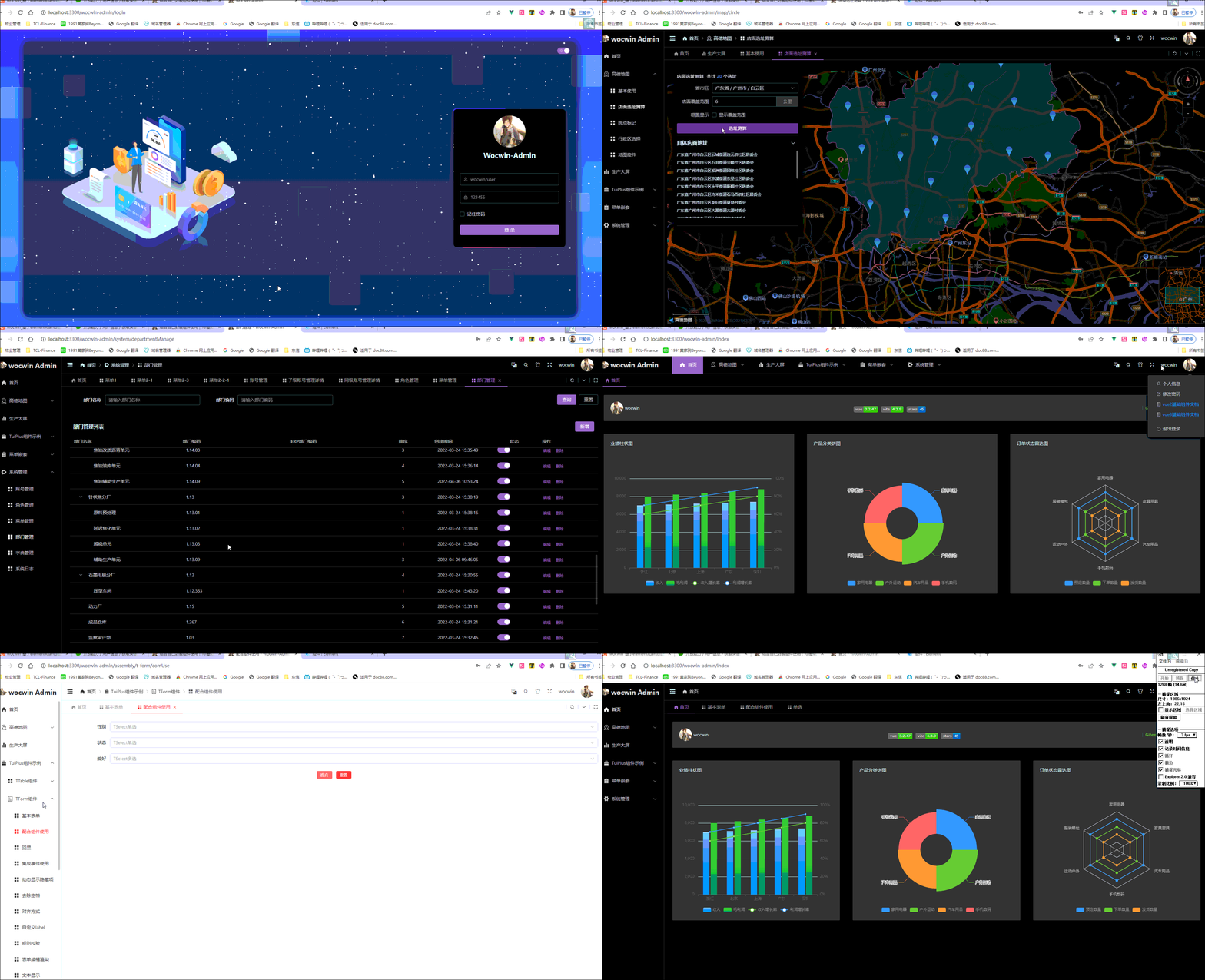
一、前言
Wocwin-Admin,是基于 Vue3.2、TypeScript、Vite、Pinia、Element-Plus、Qiankun(微前端) 开源的一套后台管理模板;同时集成了微前端 qiankun也可以当做一个子应用。项目中组件页面使用了Element-plus 二次封装 t-ui-plus 组件,目前已新增fastmock接口。
二、在线预览
账号:wocwin ; user 密码都是:123456
三、项目功能
- 使用 Vue3.2 + TypeScript 开发,单文件使用
setup语法糖 - 采用 Vite 作为项目开发、打包工具(配置了 Gzip 打包、TSX 语法、跨域代理)
- 整个项目集成了 TypeScript、i18n 国际化
- 使用 Pinia 替代 Vuex,轻量、简单、易用( 集成了持久化插件)
- 使用 TypeScript 对 Axios 整个二次封装 (全局错误拦截)
- 使用了基于 Element-plus 二次封装 t-ui-plus 组件 ,里面有常用的 table、条件查询、form 表单、下拉选择表格组件等
- 使用 vue-router 进行路由权限拦截、路由懒加载
- 使用 KeepAlive 对页面进行缓存,支持多级嵌套页面缓存
- 使用 Prettier 统一格式化代码,集成 Eslint 代码校验规范
- 项目支持多种常规的布局模式;同时支持主题切换、暗黑模式、灰色模式。
- 项目新增fastmock接口对接。
- 项目发布GitHub Pages(deploy.sh文件)。
- 项目支持菜单按钮权限(wocwin:可以看见所有,user:无法看见大屏、高德地图菜单及部分系统管理的操作按钮)。
四、 安装使用
注意: 本地环境需要安装 Node.js 16.x+、pnpm 7.x+
# GitHub
git clone https://github.com/wocwin/wocwin-admin.git

# Gitee
git clone https://gitee.com/wocwin/wocwin-admin.git

# 安装依赖
pnpm install

# 启动服务
pnpm serve

# build
pnpm dev

# prettier 格式化代码
pnpm lint:prettier
- 1
- 2
- 3
- 4
- 5
- 6
- 7
- 8
- 9
- 10
- 11
- 12
- 13
- 14
- 15
- 16
- 17
- 18
五、项目截图
-
首屏加载页:
-
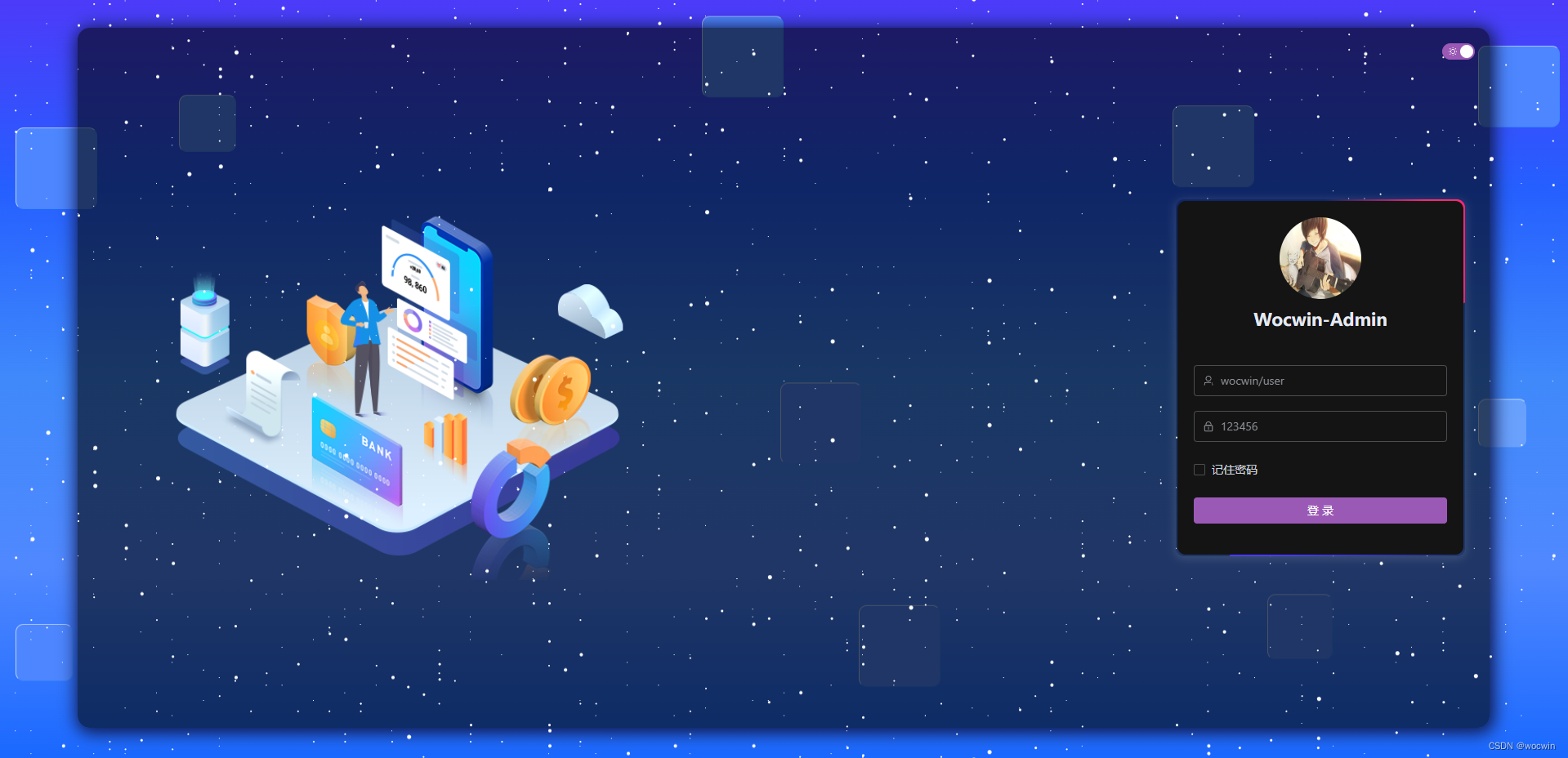
登录页:

-
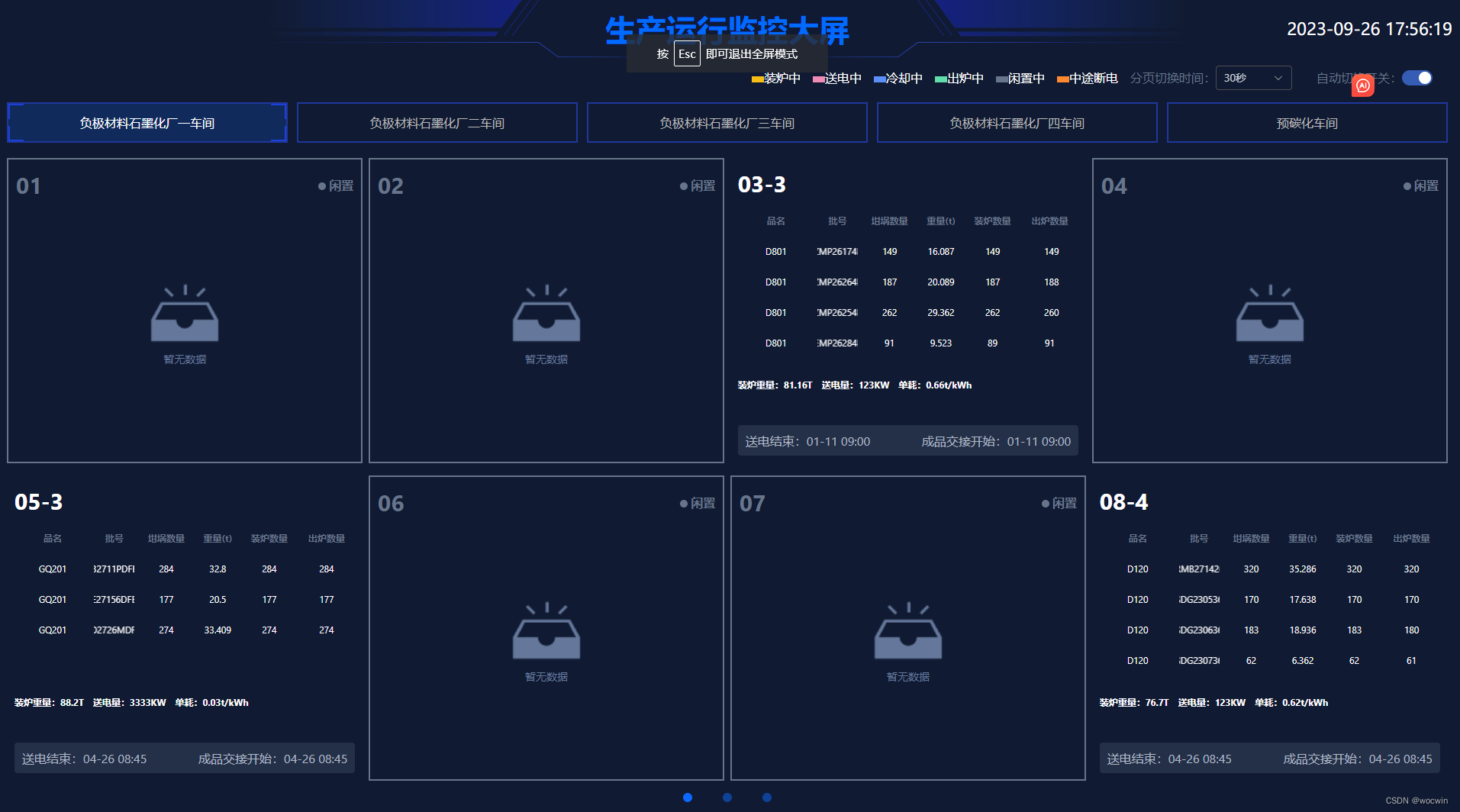
生产大屏:(双击大屏页面–实现全屏显示)
-
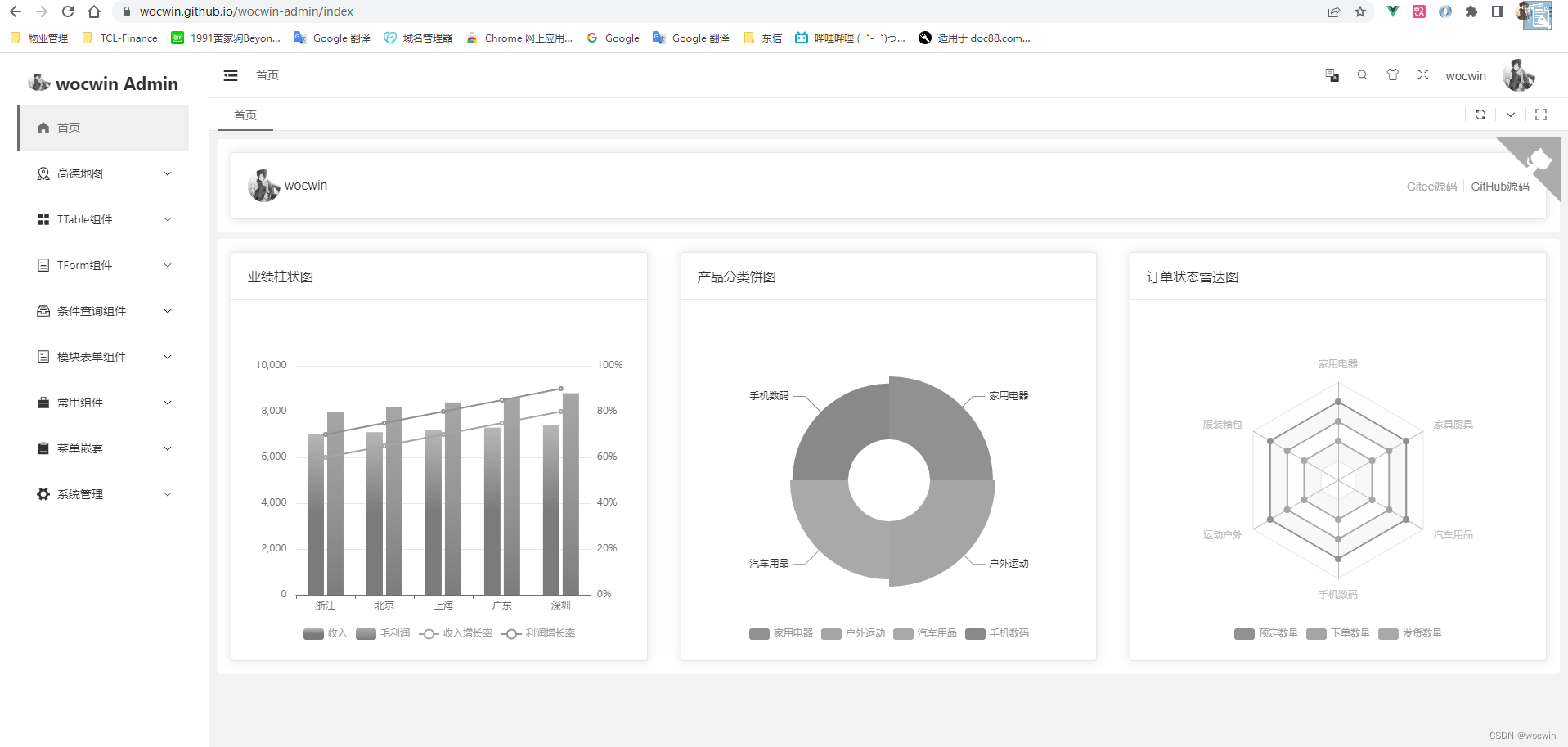
首页:
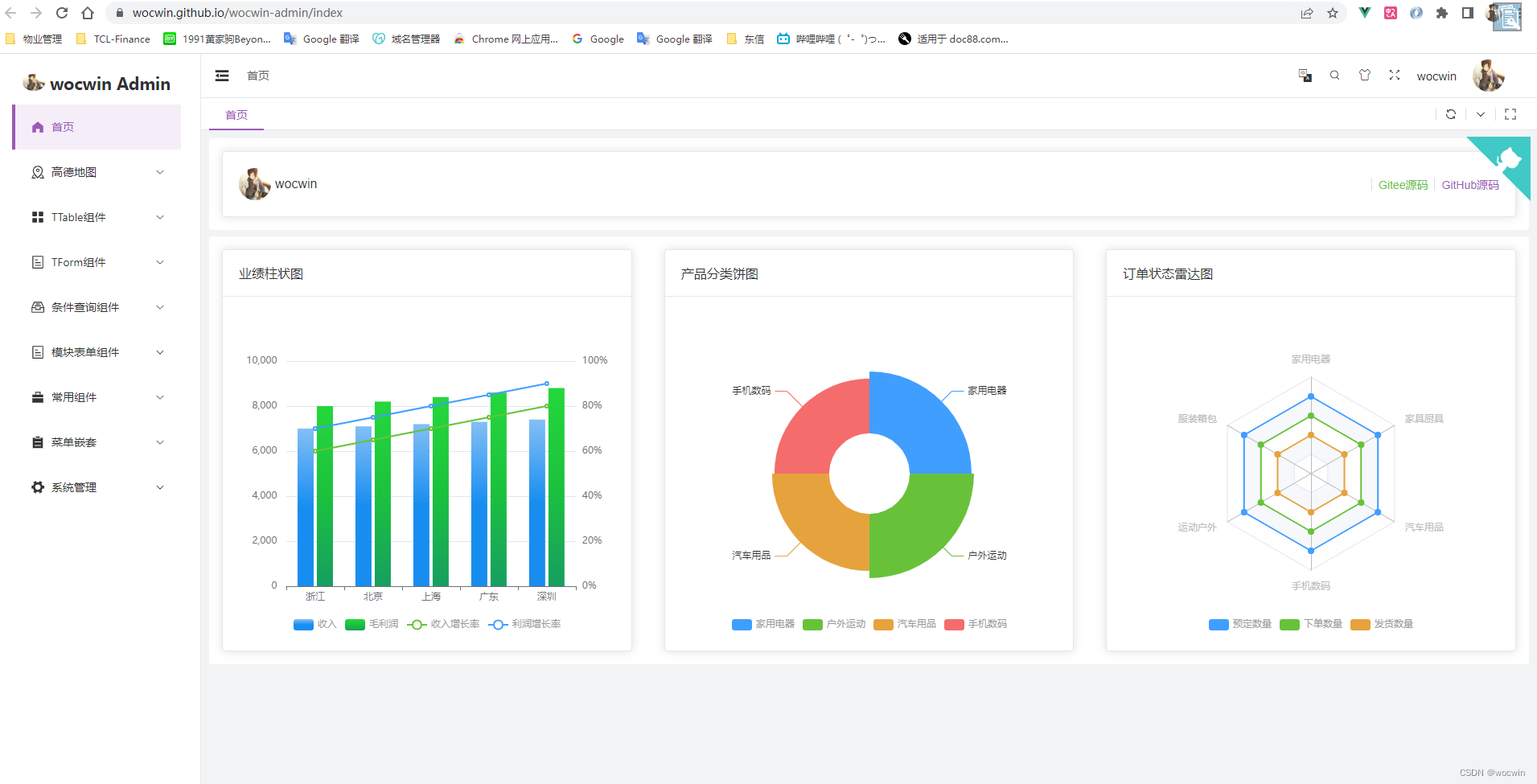
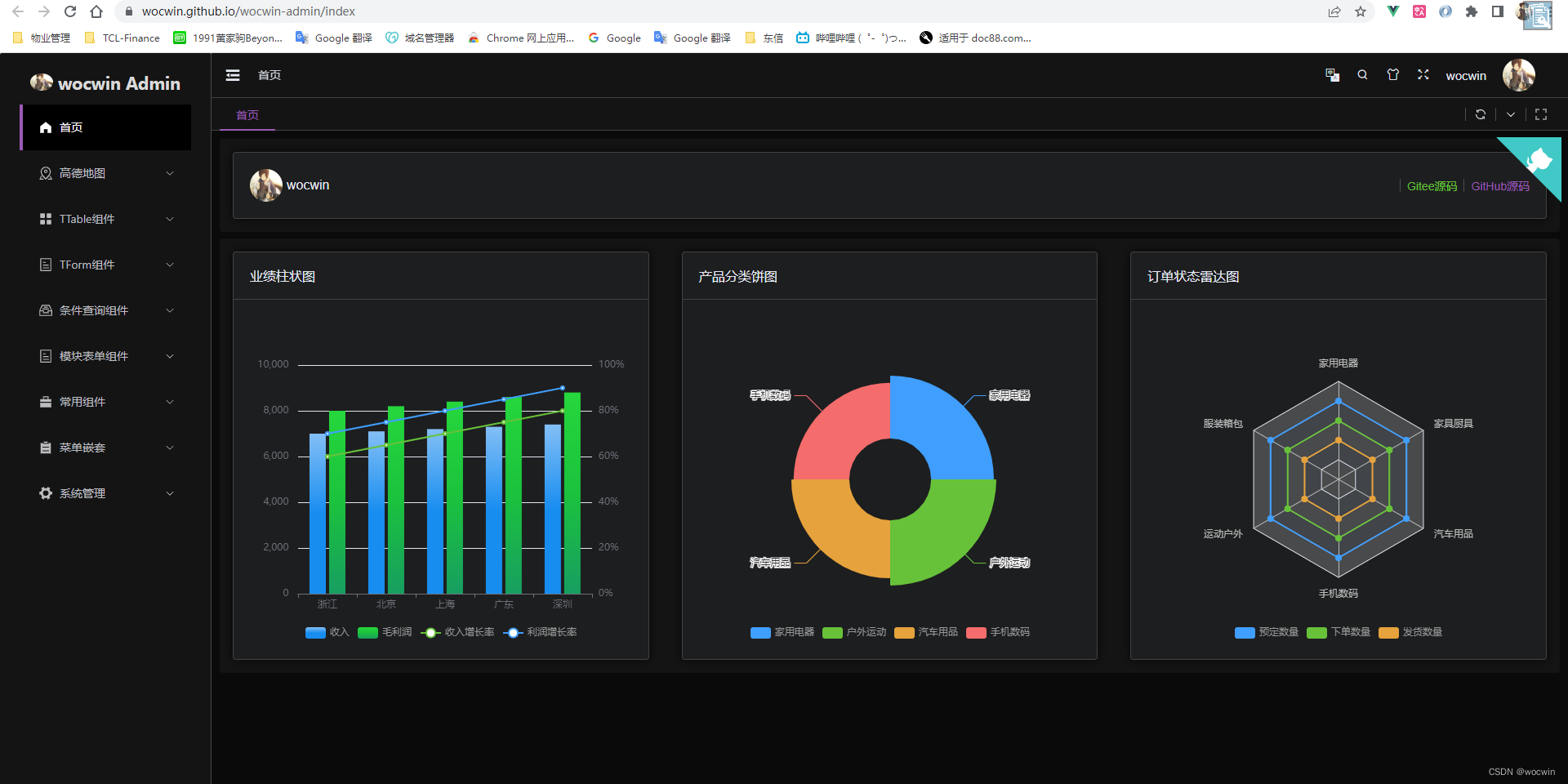
-
TTable+查询条件(一屏展示页面):
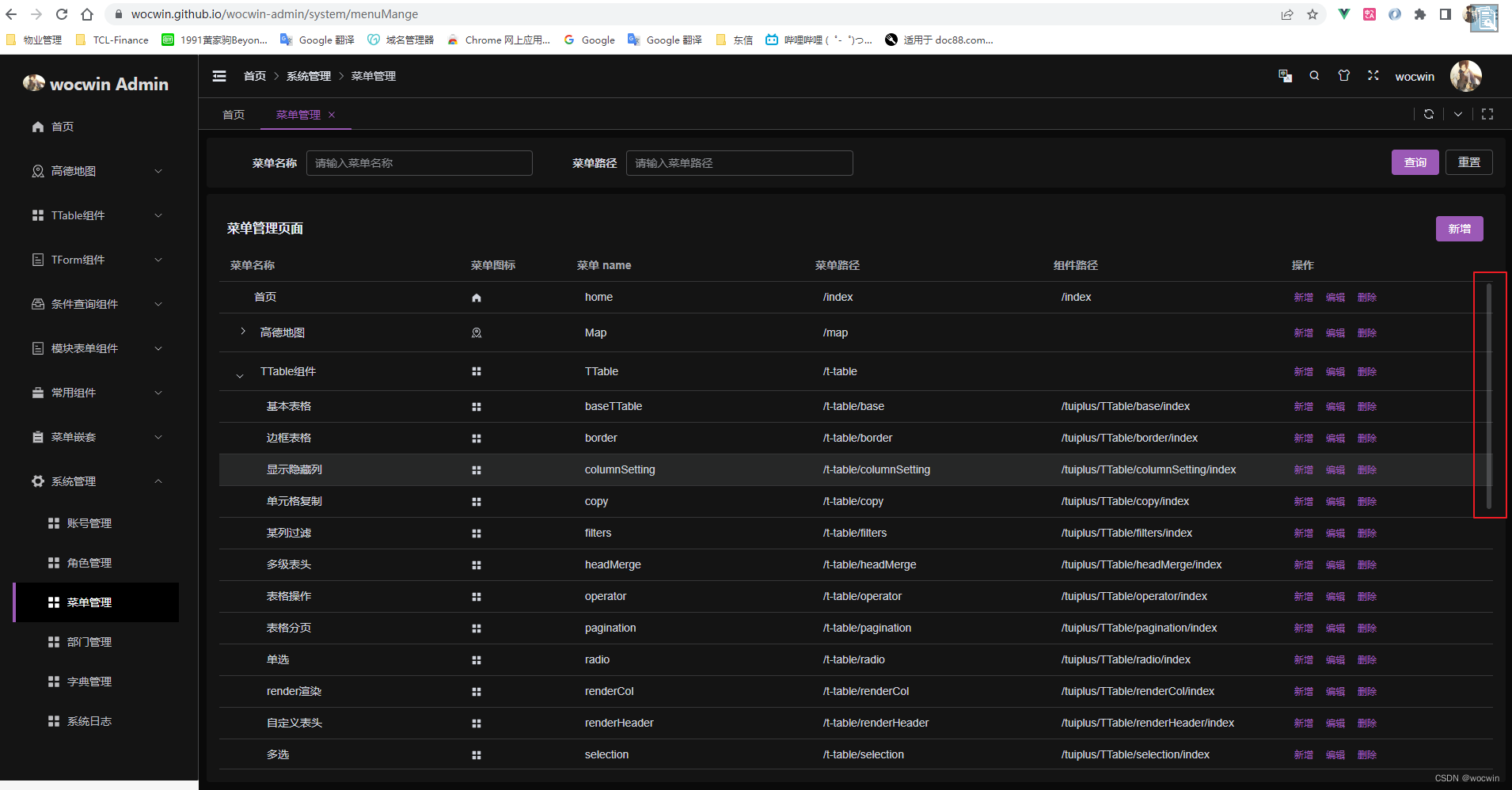
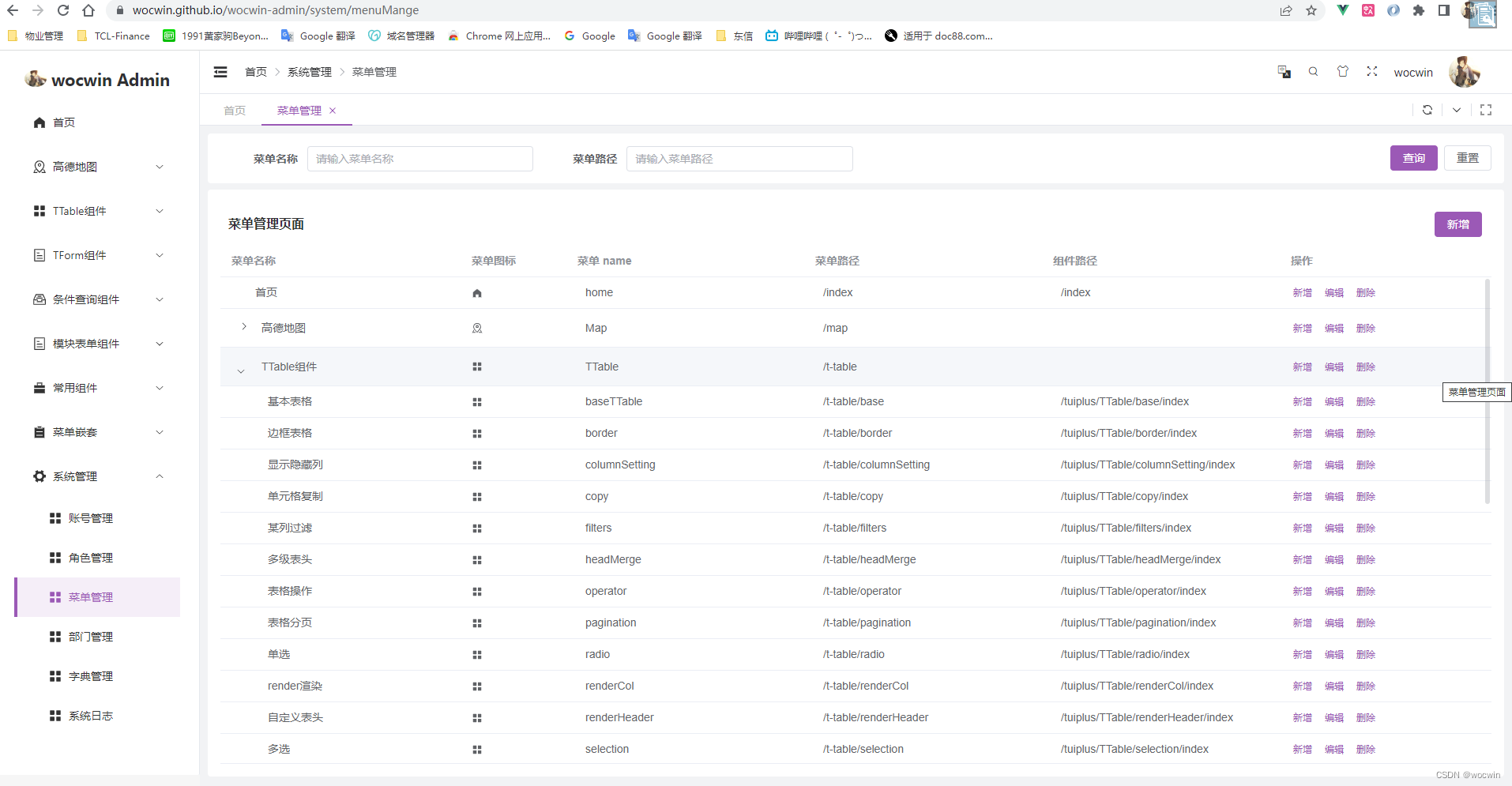
-
国际风格:
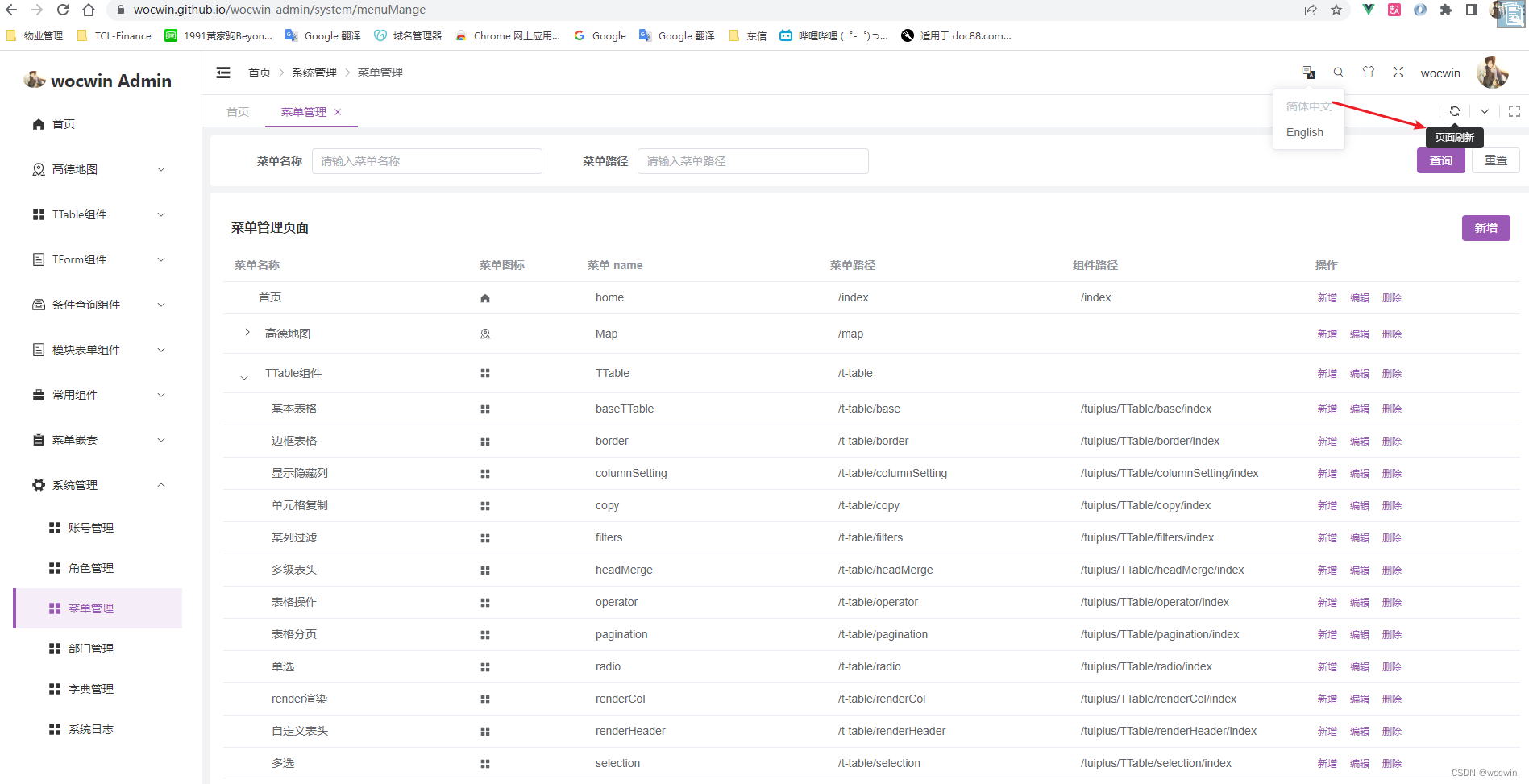
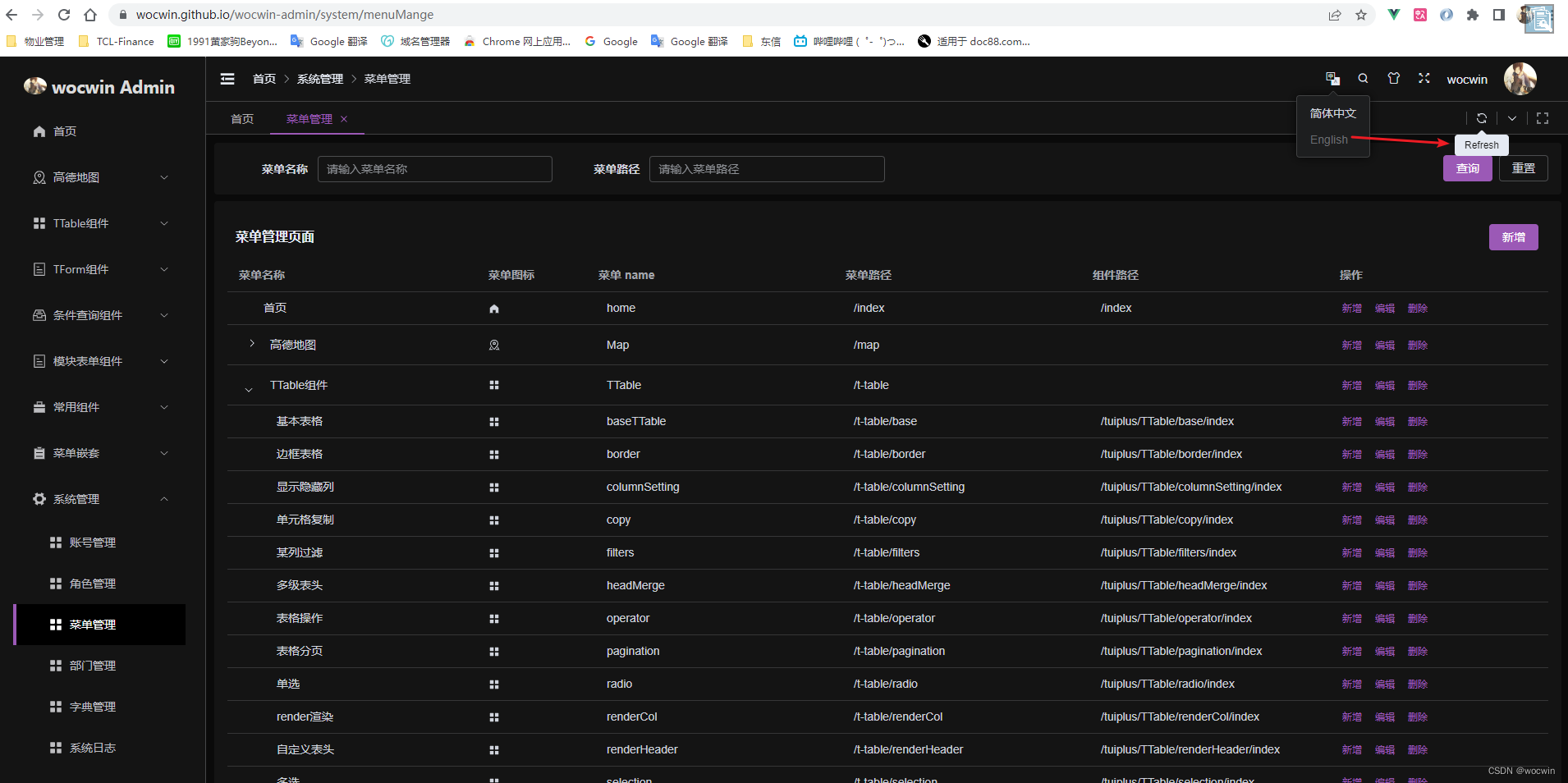
-
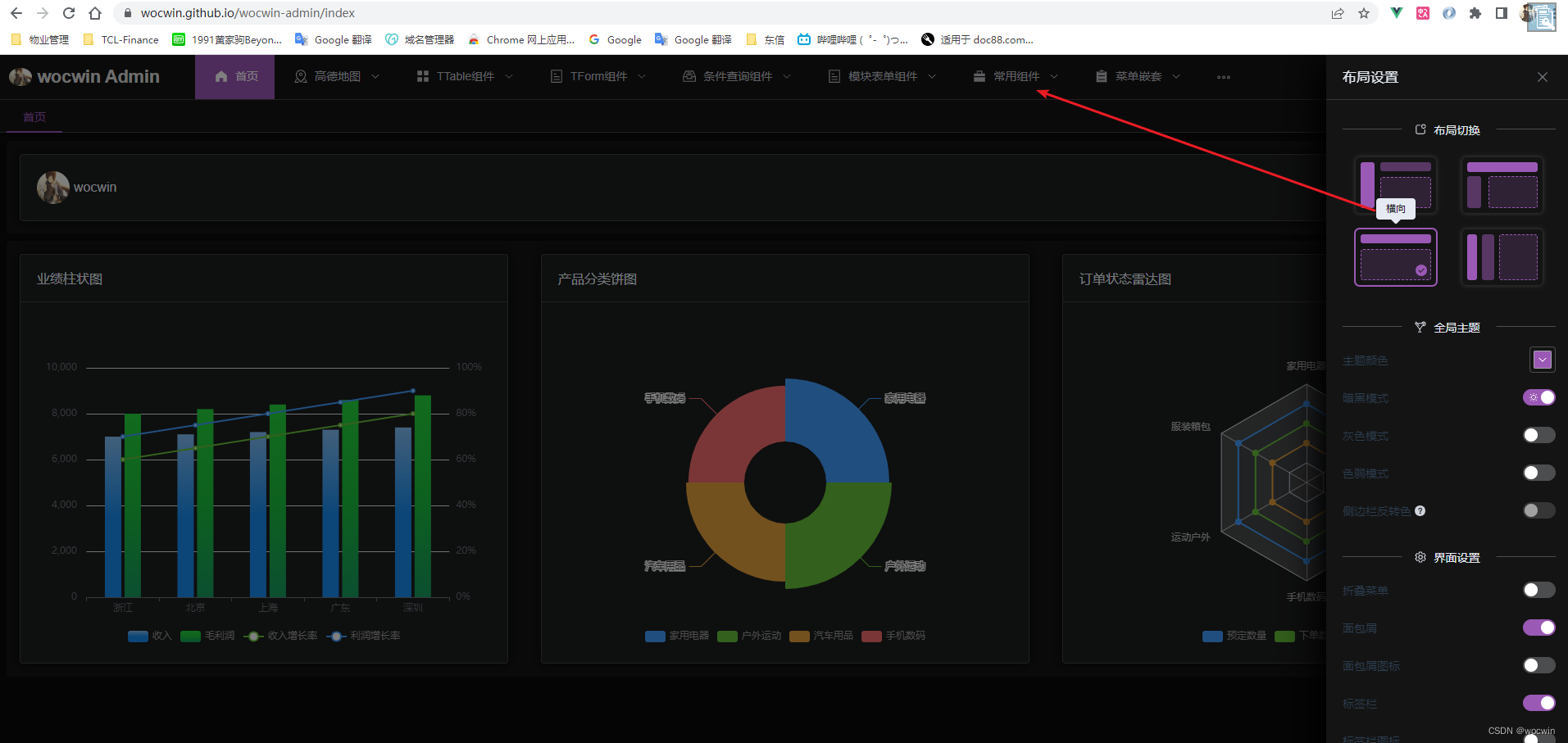
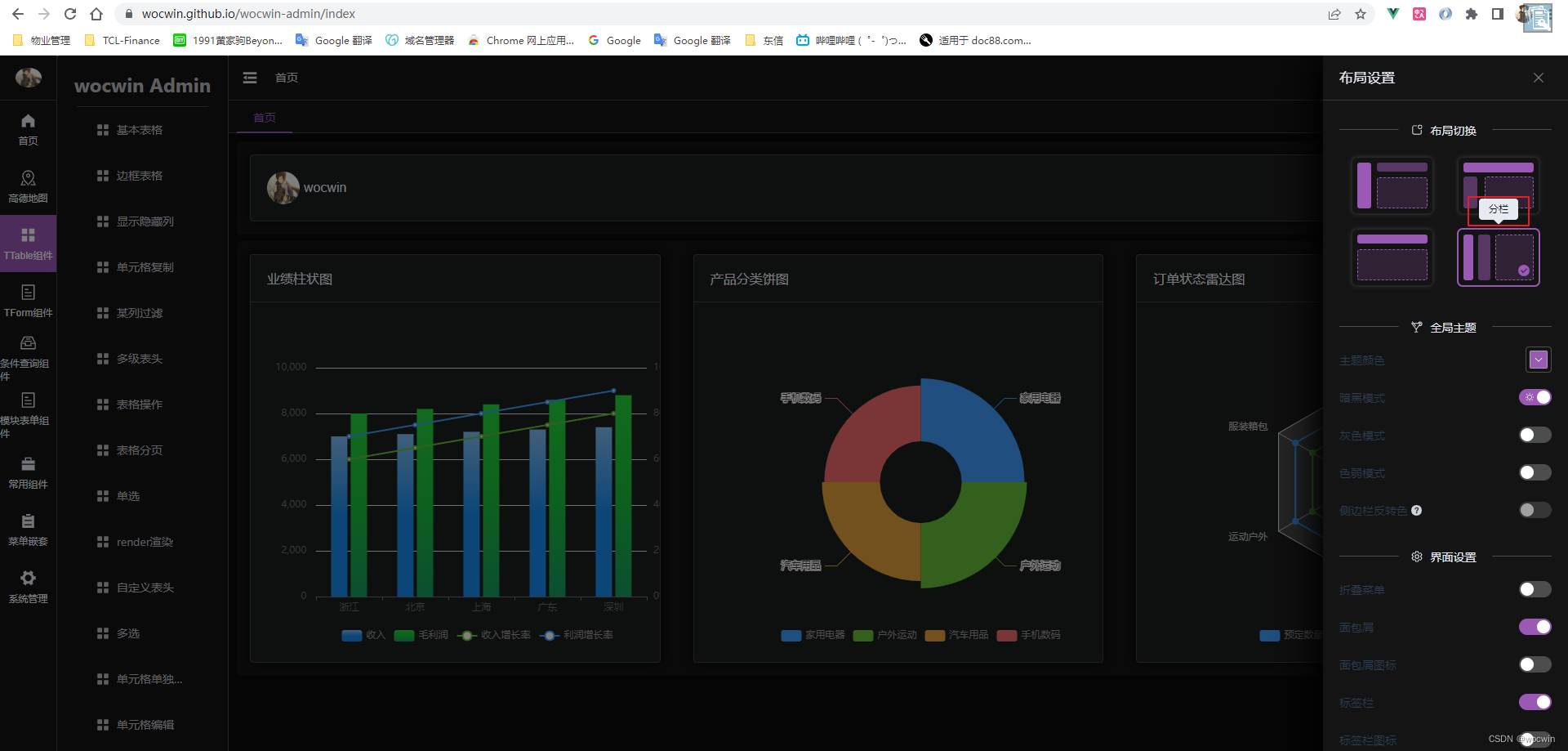
Layout 布局方式:
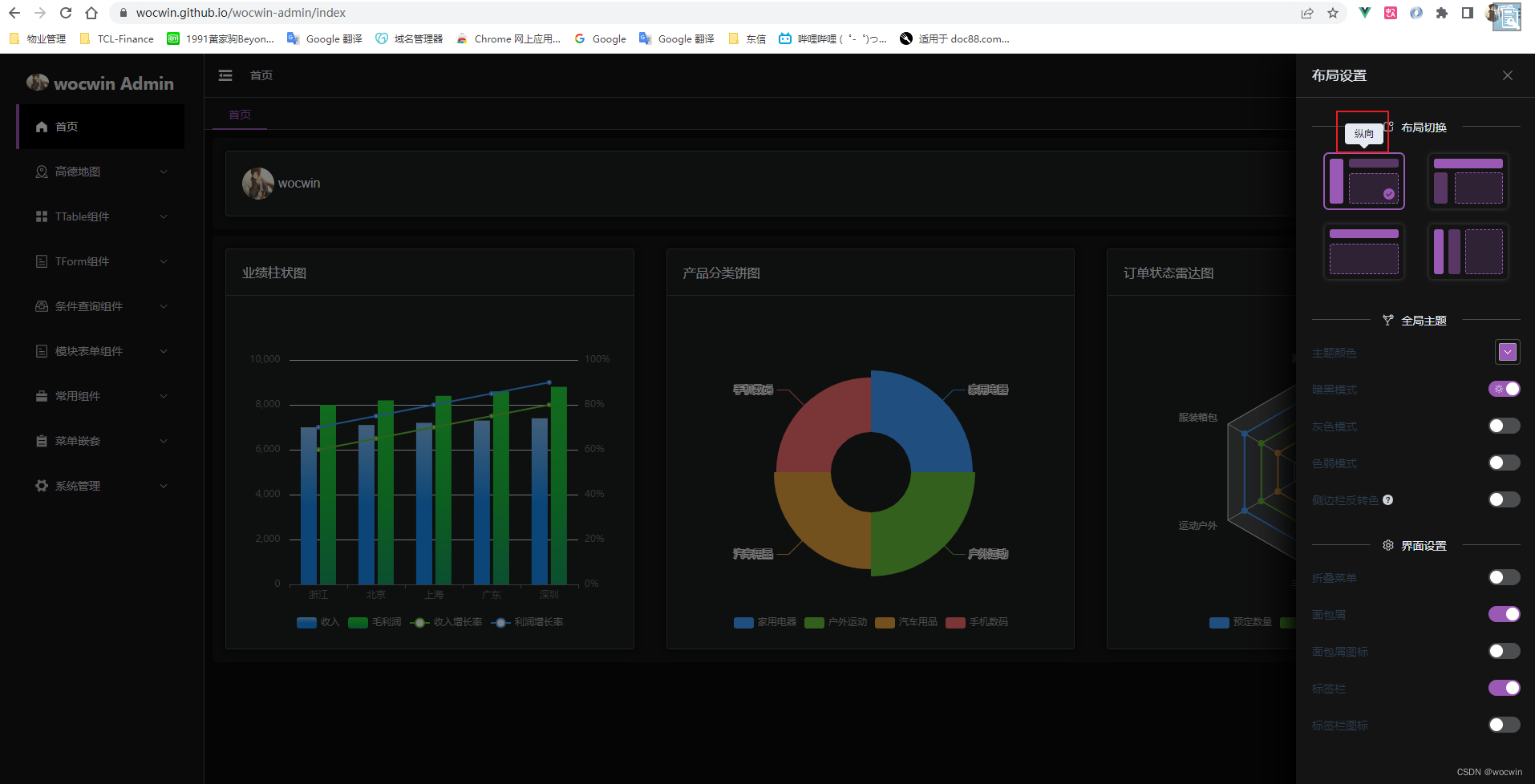
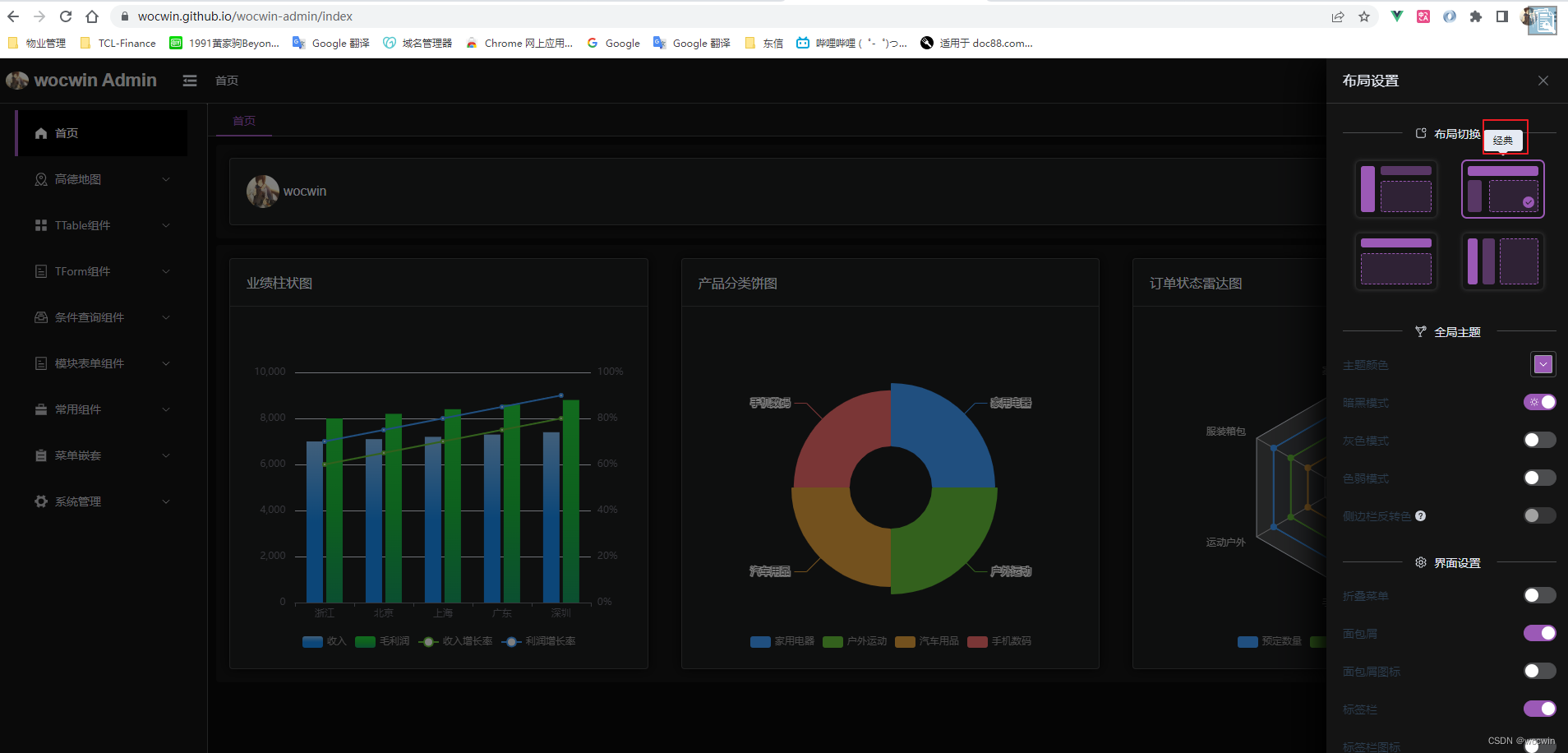
-
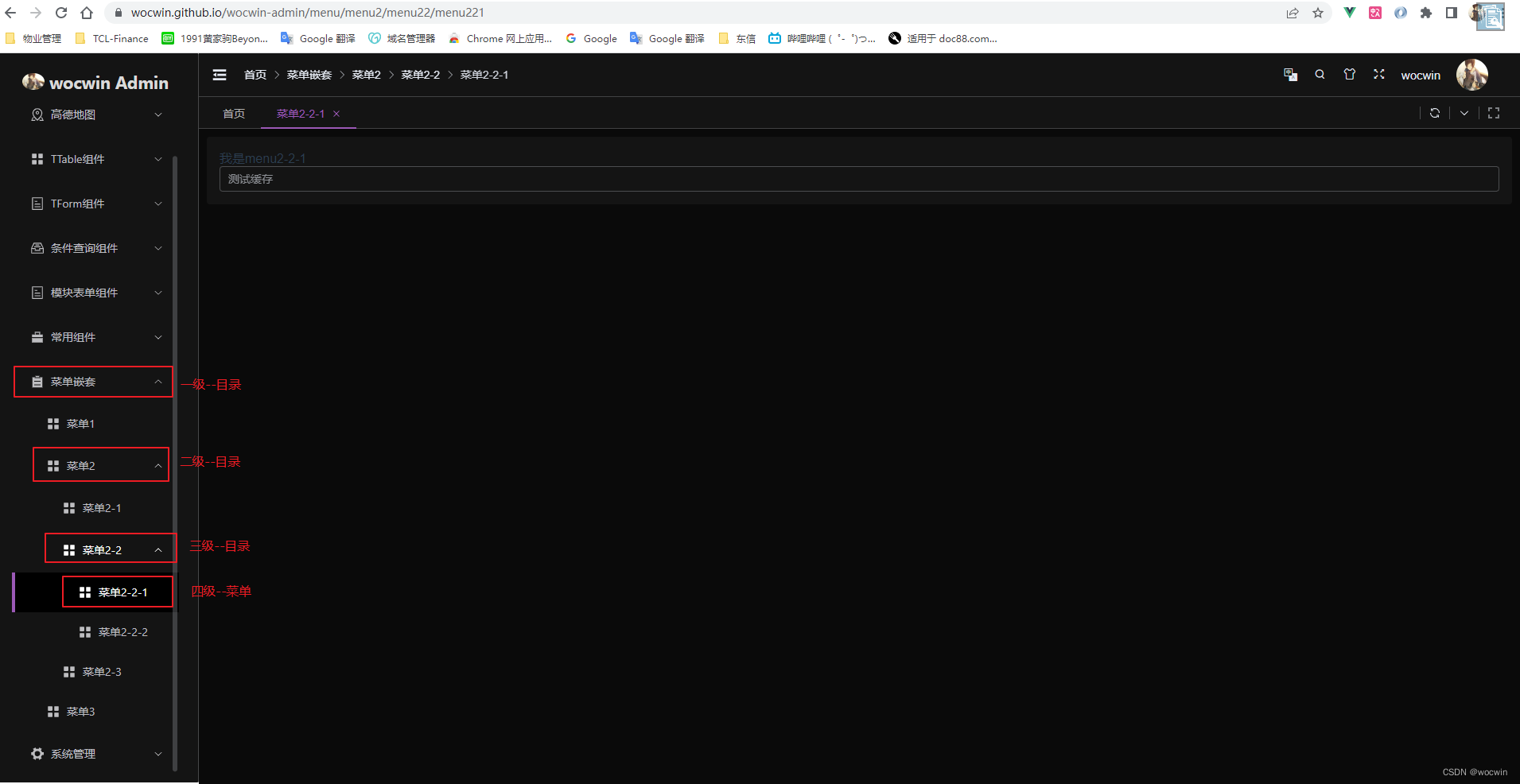
多级菜单嵌套
-
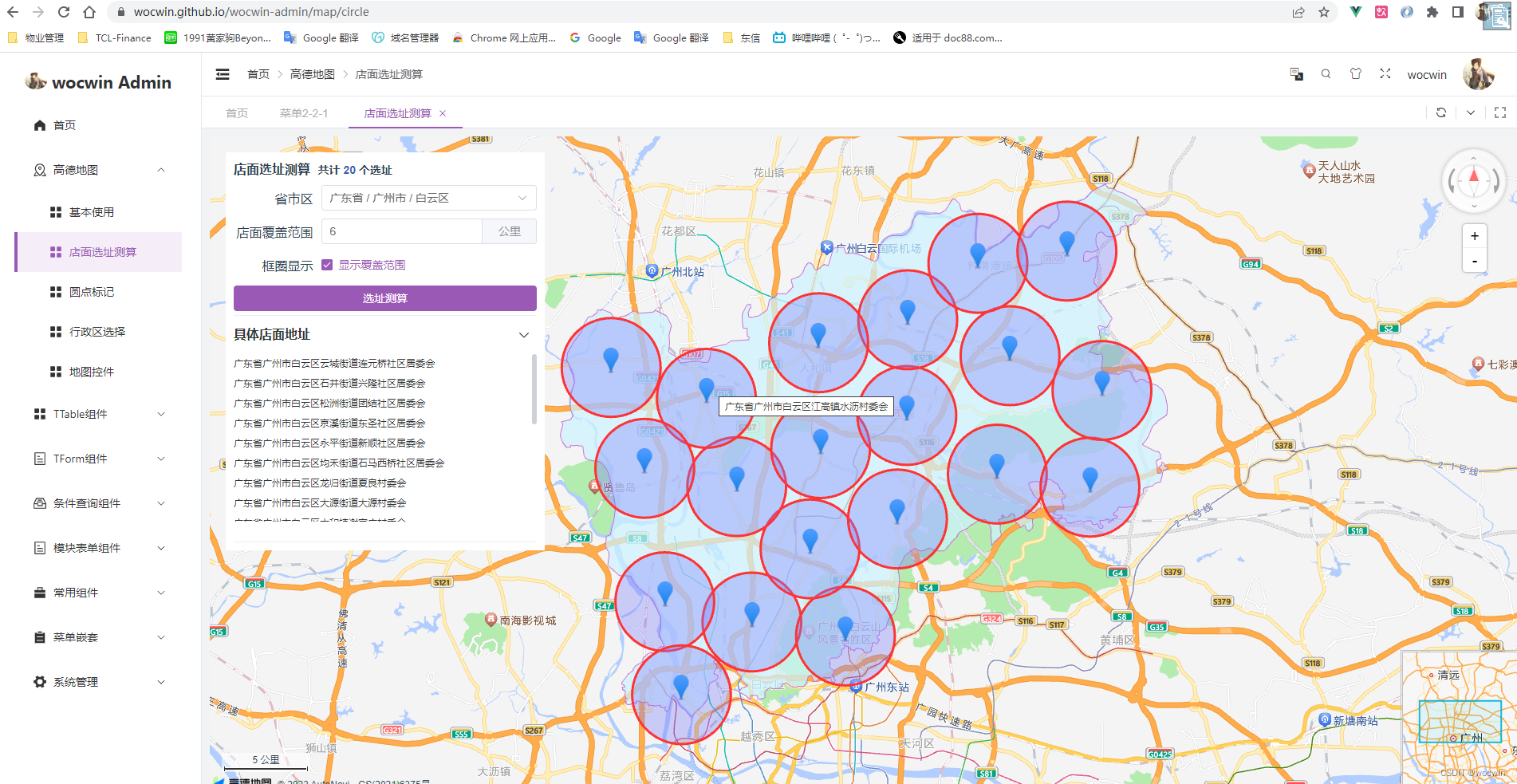
高德地图
-
灰色模式
六、项目结构目录
Wocwin-Admin
├─ build                  # Vite 配置项
├─ public                 # 静态资源文件(该文件夹不会被打包)
├─ src
│  ├─ api                 # API 接口管理
│  ├─ assets              # 静态资源文件
│  ├─ components          # 全局组件
│  ├─ config              # 全局配置项
│  ├─ hooks               # 常用 Hooks 封装
│  ├─ languages           # 语言国际化 i18n
│  ├─ layout              # 框架布局模块
│  ├─ router              # 路由管理
│  ├─ store               # pinia store
│  ├─ styles              # 全局样式文件
│  ├─ typings             # 全局 ts 声明
│  ├─ utils               # 常用工具库
│  ├─ views               # 项目所有页面
│  ├─ App.vue             # 项目主组件
│  ├─ main.ts             # 项目入口文件
│  ├─ auto-import.d.ts    # 自动导入vue、vue-router、pinia相关API(无需import引入)
│  └─ vite-env.d.ts       # 指定 ts 识别 vue
├─ .env.dev               # 开发环境配置
├─ .env.prod              # 生产环境配置
├─ .env.sit               # 测试环境配置
├─ .eslintignore          # 忽略 Eslint 校验
├─ .eslintrc.cjs          # Eslint 校验配置文件
├─ .gitignore             # 忽略 git 提交
├─ .prettierignore        # 忽略 Prettier 格式化
├─ .prettierrc.cjs        # Prettier 格式化配置
├─ .stylelintignore       # 忽略 stylelint 格式化
├─ .stylelintrc.cjs       # stylelint 样式格式化配置
├─ index.html             # 入口 html
├─ stats.html             # Rollup Visualizer html
├─ LICENSE                # 开源协议文件
├─ deploy.sh              # 发布GitHub Pages指令
├─ pnpm-lock.yaml         # 依赖包包版本锁
├─ package.json           # 依赖包管理
├─ postcss.config.cjs     # postcss 配置
├─ README.md              # README 介绍
├─ tsconfig.json          # typescript 全局配置
└─ vite.config.ts         # vite 全局配置文件
- 1
- 2
- 3
- 4
- 5
- 6
- 7
- 8
- 9
- 10
- 11
- 12
- 13
- 14
- 15
- 16
- 17
- 18
- 19
- 20
- 21
- 22
- 23
- 24
- 25
- 26
- 27
- 28
- 29
- 30
- 31
- 32
- 33
- 34
- 35
- 36
- 37
- 38
- 39
- 40
- 41
七、感谢Geeker
源码地址
相关文章
推荐阅读


相关标签

