
热门标签
热门文章
- 1Python笔记11——函数进阶_py编写函数,接受一个整数列表作为参数,返回一个新列表,其中包含原列表中所有的奇
- 2Android Serializable 和 Parcelable 的详解以及代码示例(Kotlin)
- 3R软件文本挖掘分析服装公司职位要求数据和分布地理可视化
- 4Linux操作系统详解(最详细)_linux系统
- 5GitHub要求开启2FA,否则不让用了。
- 62023最新软件测试面试题(带答案)
- 7SSL 阿里云证书申请和备案
- 82021-03-29-SpringBoot_spring boot 2021年哪个版本稳定
- 9【Python从入门到进阶】30、JSONPath的介绍和使用_python jsonpath
- 10Linux下的wxWidgets多平台编译环境搭建_linux wxwidgets 编译
当前位置: article > 正文
linux 下 PHP 环境搭建(已测试)_liunx检测php环境
作者:AI程序代码艺术家 | 2024-02-01 11:56:48
赞
踩
liunx检测php环境
一、安装Apache2.2.22
1、到官网下载 http://httpd.apache.org/download.cgi ,选择相应的版本
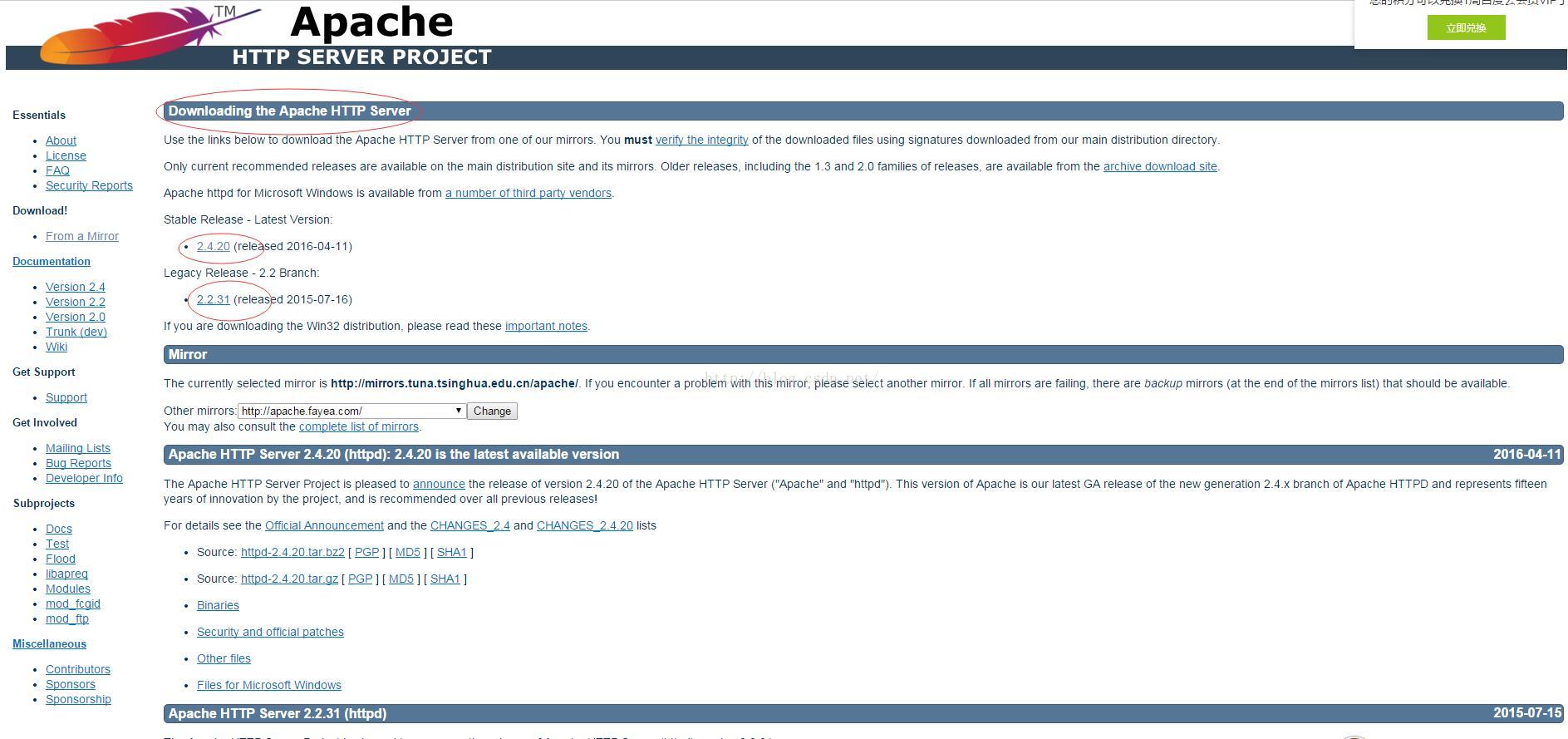
这里,我选择的是最新的版本
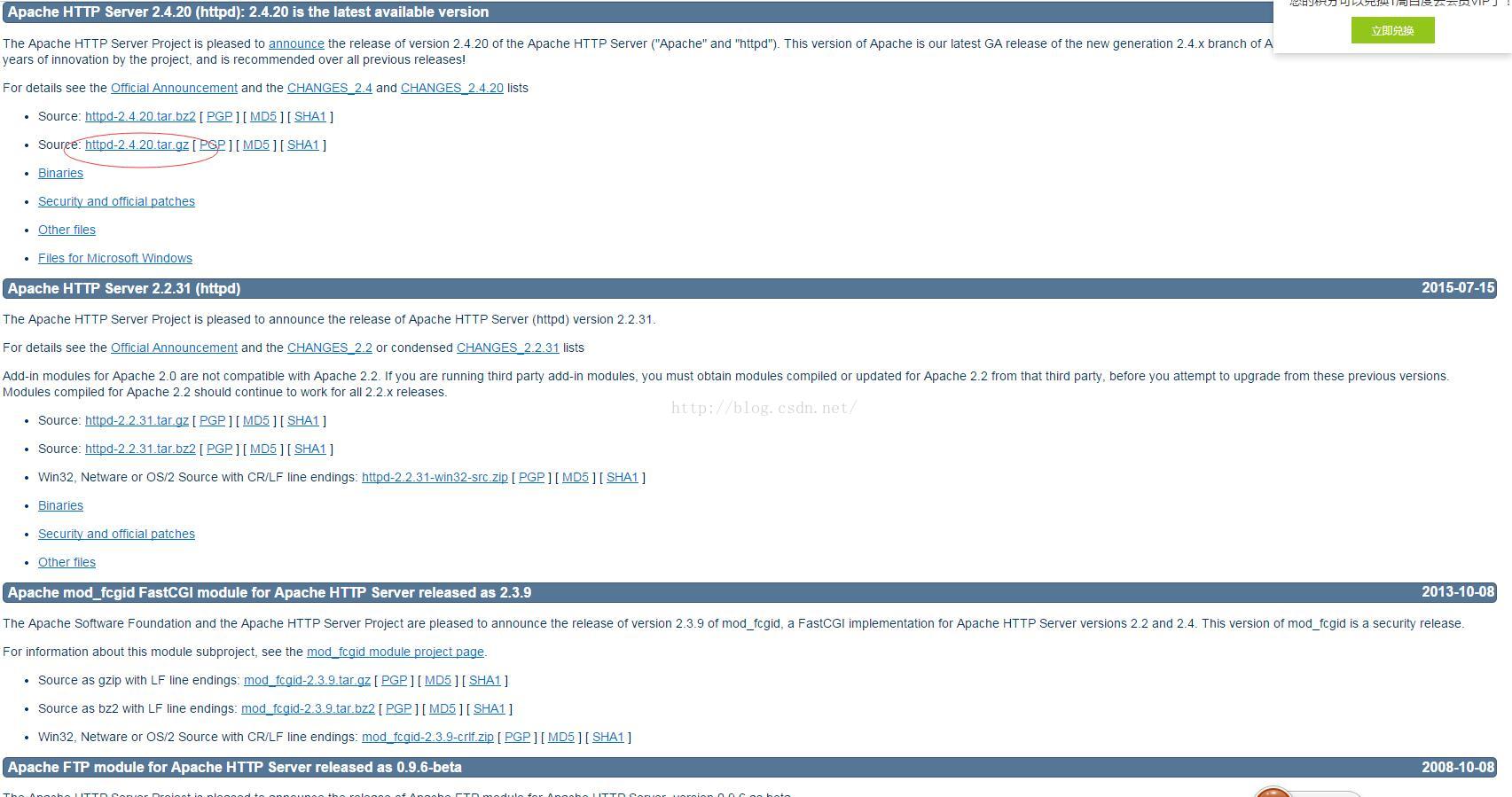
可以先下载到windows系统中,上传到linux,
也可以直接下载到linux : wget http://mirrors.tuna.tsinghua.edu.cn/apache//httpd/httpd-2.4.20.tar.gz
2、解压 tar -zxvf httpd-2.4.20.tar.gz

3、创建 Ahache 的安装目录
mkdir /usr/local/Apache2
4、回到httpd-2.4.20目录下配置, ./configure --prefix=/usr/local/Apache2 --enable-module=shared
出现错误:
configure: error: APR not found. Please read the documentation.解决办法:先安装 yum install gcc-
- 1.下载所需软件包:
- 1.wget http://archive.apache.org/dist/apr/apr-1.4.5.tar.gz
2.wget http://archive.apache.org/dist/apr/apr-util-1.3.12.tar.gz 3.wget http://jaist.dl.sourceforge.net/project/pcre/pcre/8.10/pcre-8.10.zip - 2.编译安装:
- yum remove apr-util-devel apr apr-util-mysql apr-docs apr-devel apr-util apr-util-
推荐阅读


相关标签

