
热门标签
热门文章
- 1华为云云耀云服务器L实例评测|Python Selenium加Chrome Driver构建UI自动化测试实践_华为浏览器driver
- 2使用Flutter的image_picker插件实现设备的相册的访问和拍照
- 3[点云学习] 一、点云相关知识了解
- 4HarmonyOS云开发基础认证【最新题库 满分答案】
- 5aigc修复美颜学习笔记
- 6Java 算法篇-深入了解单链表的反转(实现:用 5 种方式来具体实现)
- 7华为 ensp SSL VPN 史诗级配置
- 8如何解决大模型的「幻觉」问题
- 9【动态规划】【广度优先搜索】LeetCode:2617 网格图中最少访问的格子数
- 10视觉机械臂自主抓取全流程_机械臂视觉抓取
当前位置: article > 正文
ssh: connect to host github.com port 22: Connection timed out fatal: Could not read from remote……_github打不开
作者:算法设计者 | 2024-01-30 10:19:51
赞
踩
github打不开
报错
> git pull --tags origin main
ssh: connect to host github.com port 22: Connection timed out
fatal: Could not read from remote repository.

Please make sure you have the correct access rights
and the repository exists.
- 1
- 2
- 3
- 4
- 5
- 6
分析
登录了一下github网站,发现可以访问:
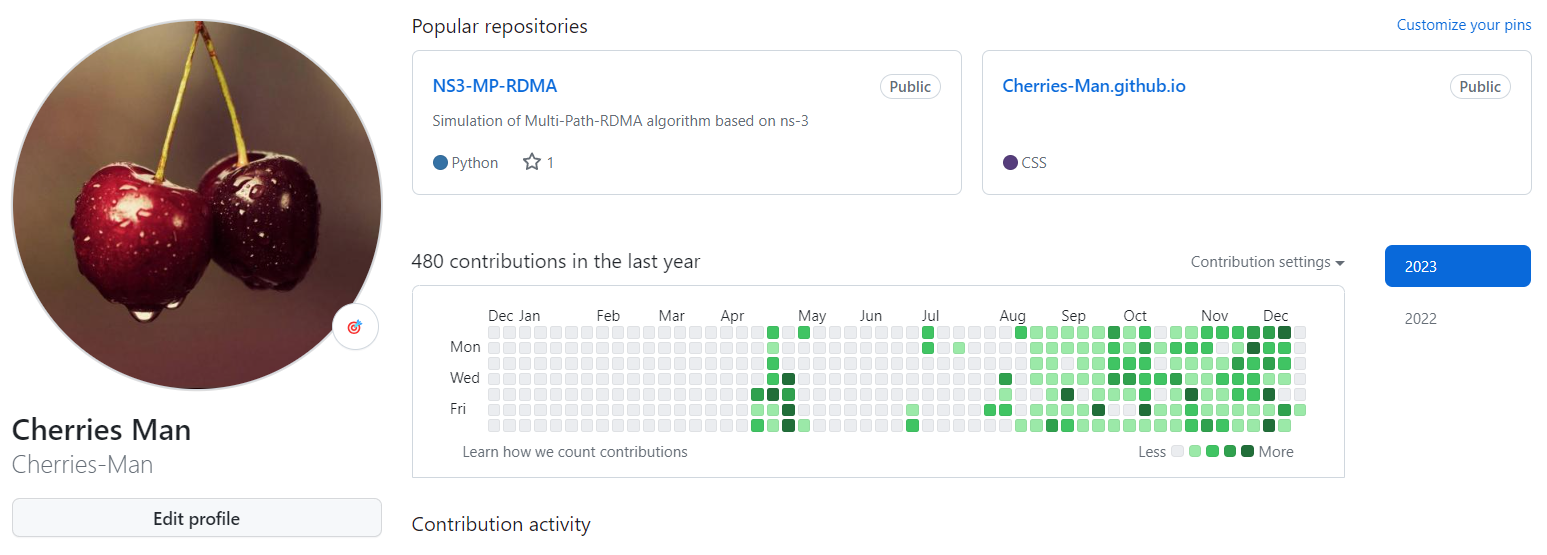
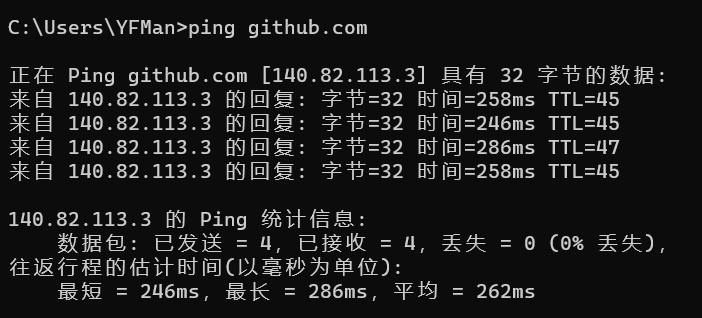
但是,ping了一下github,发现请求超时。
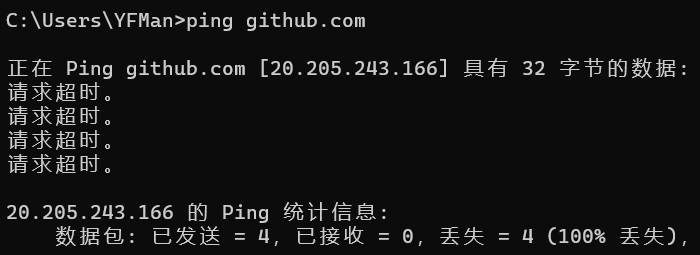
git、命令行都无法正确解析域名,但浏览器可以,有些奇怪。
但可以判断,确实是网络域名解析出现了问题,下面将采用手动修改hosts文件的方式解决。
解决
- 打开网站:https://www.ipaddress.com/ip-lookup,并在红框中输入域名,查询域名对应的IP地址;
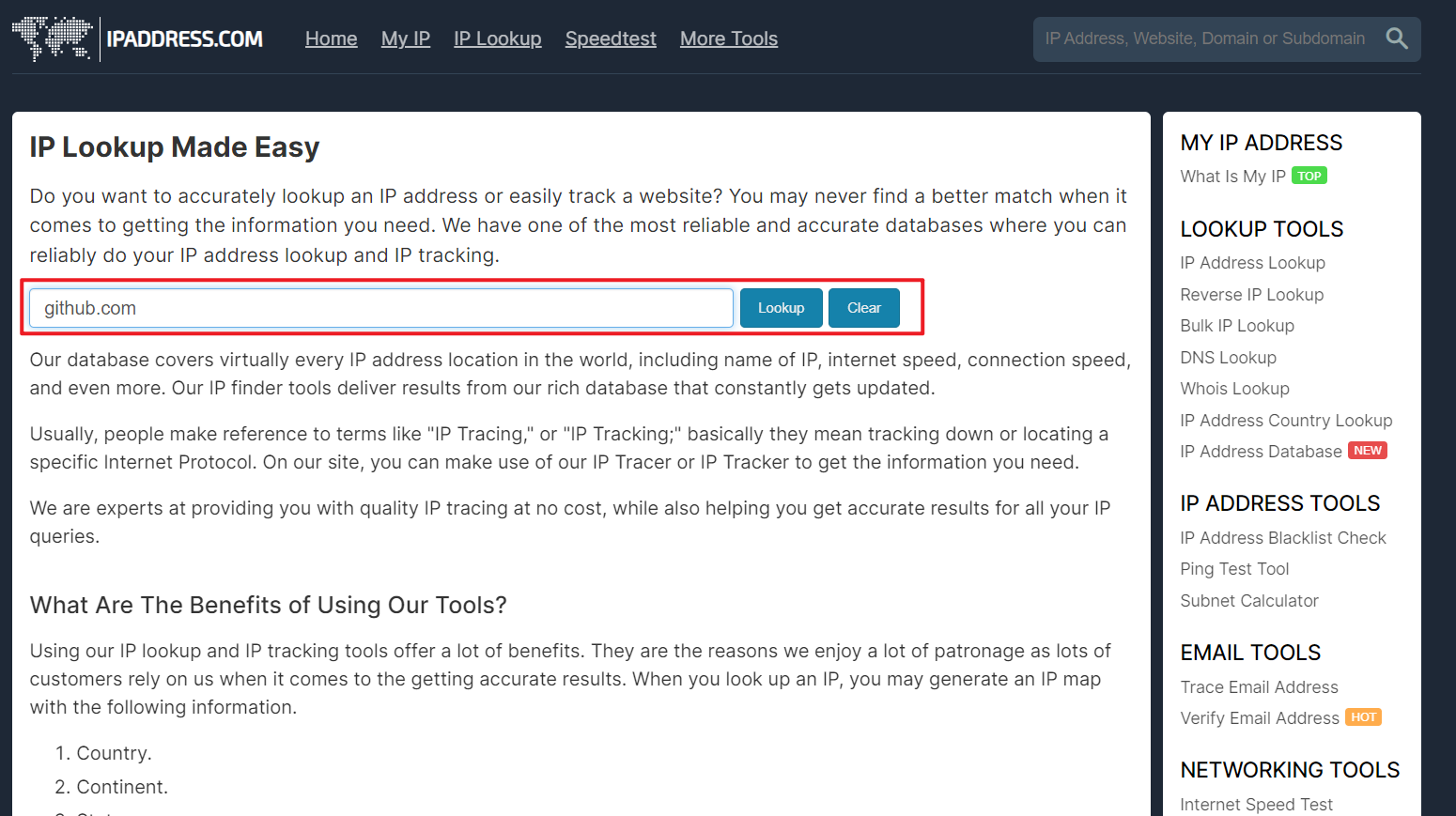
- 点击lookup;
- 得到对应区域的github主机名;
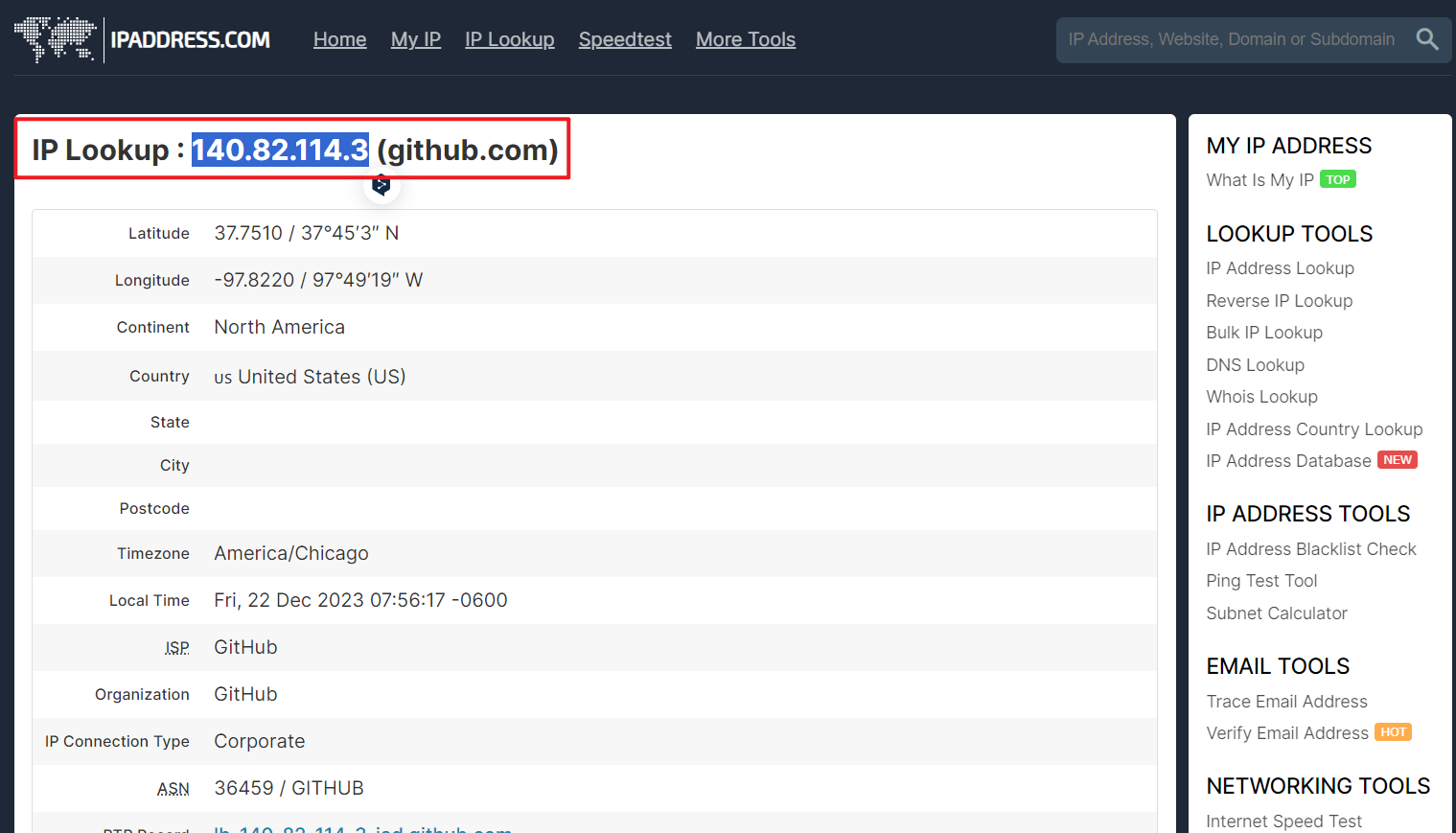
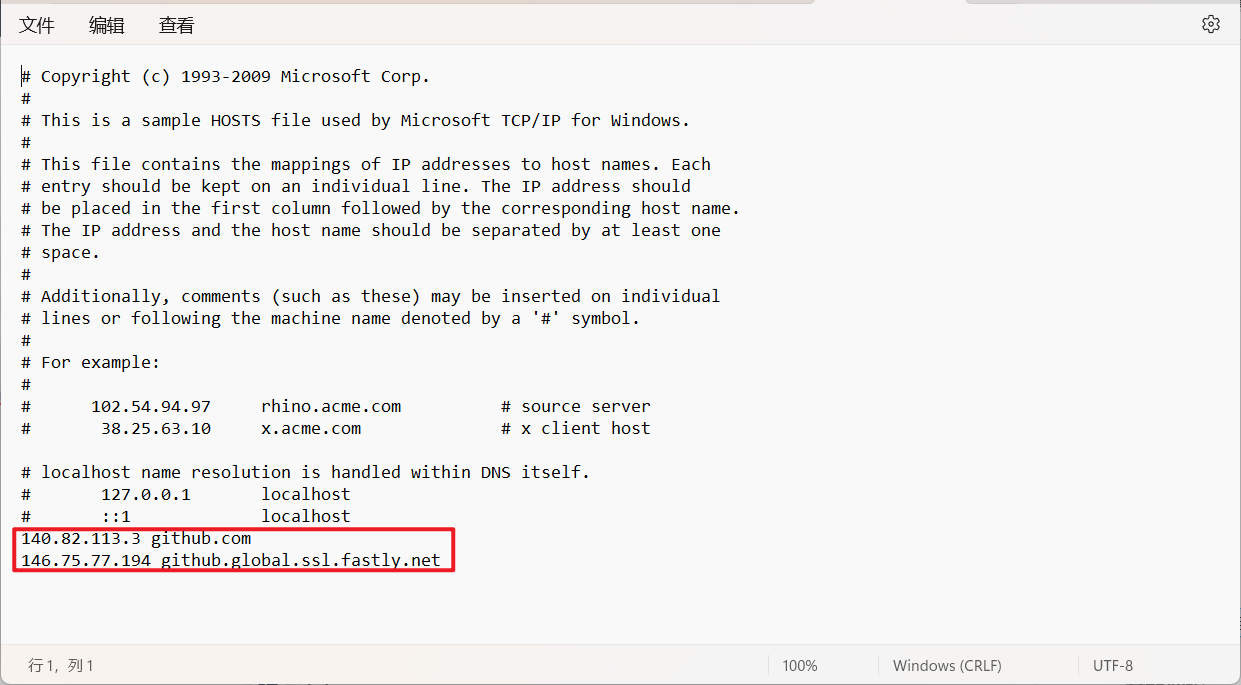
- 查询如下两个主机名:
140.82.113.3 github.com
146.75.77.194 github.global.ssl.fastly.net
- 1
- 2
- 补充到
C:\Windows\System32\drivers\etc\hosts文件的末尾,该文件不可编辑,可以复制到桌面,然后再复制回去实现替换。
- 测试:
声明:本文内容由网友自发贡献,不代表【wpsshop博客】立场,版权归原作者所有,本站不承担相应法律责任。如您发现有侵权的内容,请联系我们。转载请注明出处:https://www.wpsshop.cn/article/detail/46151?site
推荐阅读




相关标签

