
热门标签
热门文章
- 1软件测试常见的面试题,这些题面试前看提高百分之60的通过率
- 2力扣算法题26:删除有序数组中的重复项_原地删除数组内的重复元素 力扣
- 3python写猜数游戏(含有异常处理)_完成案例1,猜数游戏-异常处理结构。模拟猜数游戏:系统随机生成一个整数,玩家最多
- 4Docker概述,一文了解Docker_docker -v本质
- 5【项目实战】Python实现支持向量机SVM回归模型(SVR算法)项目实战_svm回归预测模型
- 6dockerfile的优化_dockerfile 多个env 合并成一行
- 7docker 初体验 for mac_the 'boot2docker' command line interface is offici
- 8目标检测算法——YOLOv5/YOLOv7改进之结合SIoU_姿态损失 形状损失 运动估计损失
- 9虹科智能互联:您的智能通讯解决方案合作伙伴
- 10ChatGLM + PEFT 进行finetune_runtimeerror: probability tensor contains either `
当前位置: article > 正文
安装cython_bbox报错解决办法:Preparing metadata (setup.py) ... error error: subprocess-exited-with-error_preparing metadata (setup.py) ... error error: sub
作者:信息技术墨韵书生 | 2024-01-30 14:59:28
赞
踩
preparing metadata (setup.py) ... error error: subprocess-exited-with-error
报错内容如下图所示:
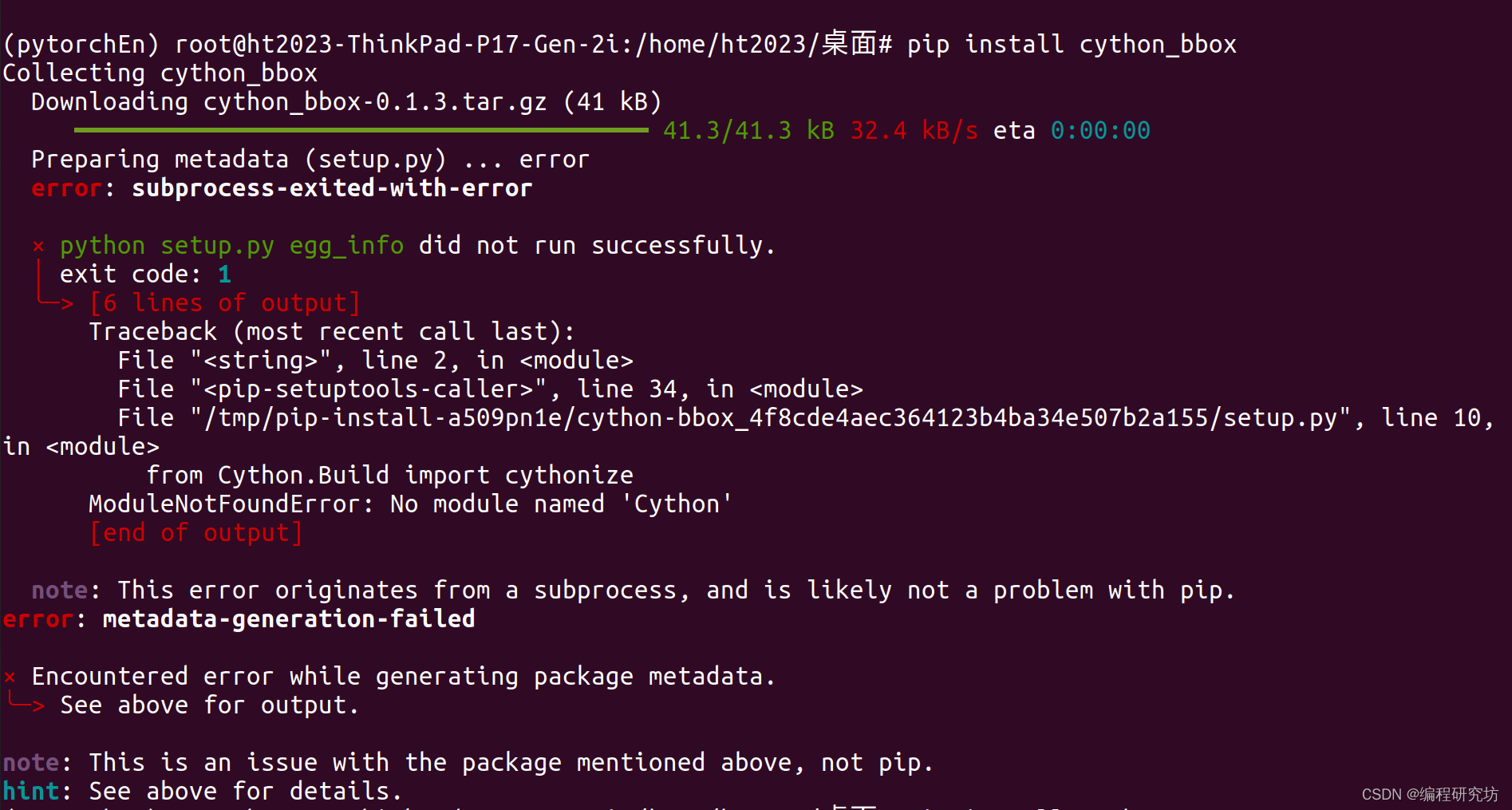
- Preparing metadata (setup.py) ... error
- error: subprocess-exited-with-error
-
- × python setup.py egg_info did not run successfully.
- │ exit code: 1
- ╰─> [6 lines of output]
- Traceback (most recent call last):
- File "<string>", line 2, in <module>
- File "<pip-setuptools-caller>", line 34, in <module>
- File "/tmp/pip-install-a509pn1e/cython-bbox_4f8cde4aec364123b4ba34e507b2a155/setup.py", line 10, in <module>
- from Cython.Build import cythonize
- ModuleNotFoundError: No module named 'Cython'
- [end of output]
-
- note: This error originates from a subprocess, and is likely not a problem with pip.
- error: metadata-generation-failed
-
- × Encountered error while generating package metadata.
- ╰─> See above for output.
解决办法:
先安装Cpython然后再安装cython_bbox
- pip install Cython
- pip install cython_bbox
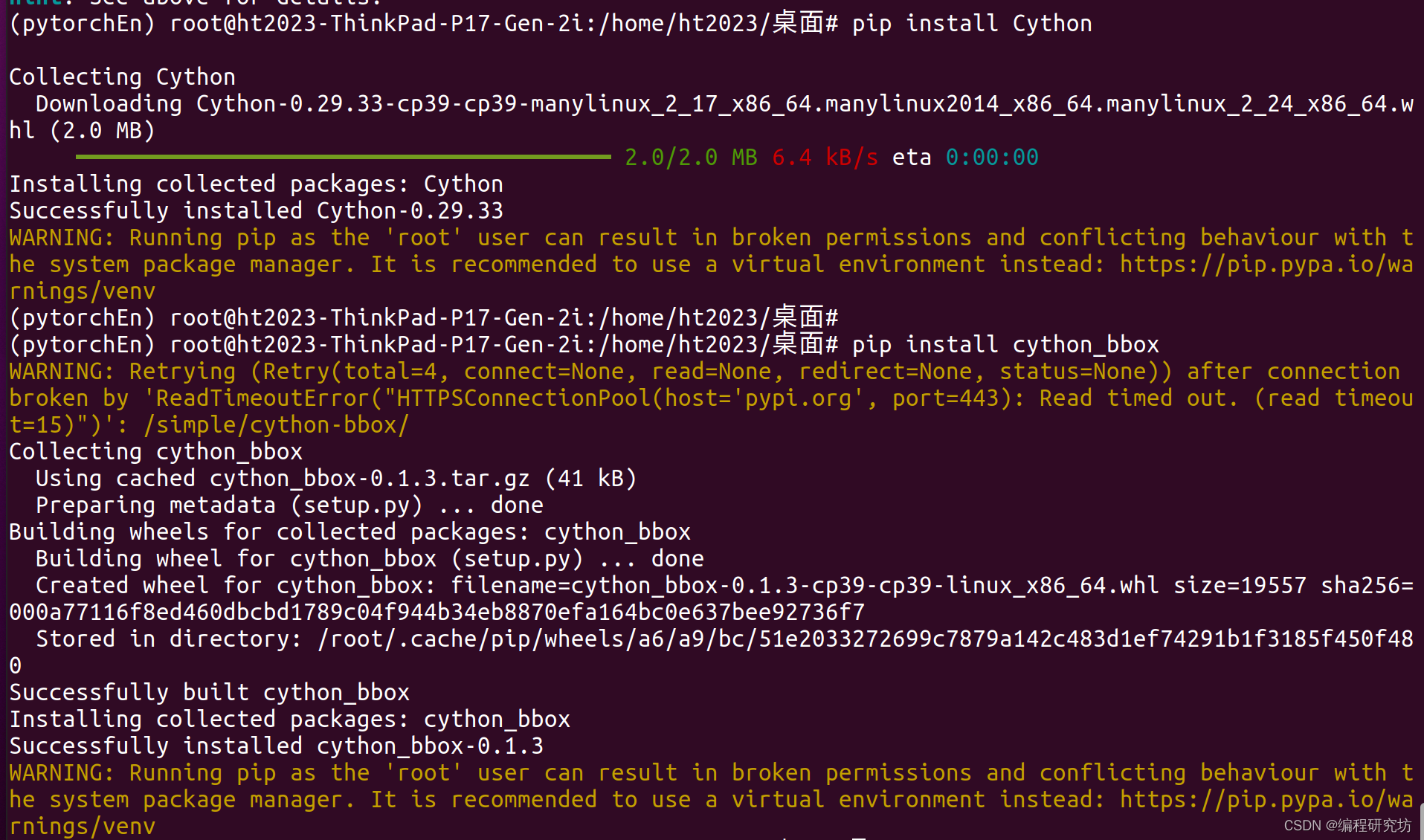
注意在ubuntu系统下去安装,在windows系统上我尝试了还是安装不成功,还没发现如何解决,如果有成功方法的可评论区留言。
推荐阅读

相关标签

