
热门标签
热门文章
- 1程序员如何赚到自己人生中的第一桶金?是100万还会是1000万,大家不妨一起探讨一下!...
- 2区块链钱包分类及BIP协议
- 3ubuntu 20.04 WIFI适配器找不到问题_ubuntu20.04无wifi adapter
- 4怎样利用PowerBulider的Datawindow建立中国式的动态报表_powerbuilder datawindow 图表
- 5【Kubernetes 系列】 一文带你吃透 K8S 中Pod 的生命周期_简述下k8s pod 生命周期
- 6Python之Selenium知识总结_python selenium
- 7Spring boot 自定义banner的在线制作
- 8人工智能之配置环境教程二:在Anaconda中创建虚拟环境安装GPU版本的Pytorch及torchvision并在VsCode中使用虚拟环境_conda下载torchvision
- 9python文件操作_python 文件操作
- 10一文解读,网络安全行业人才需求情况《网络安全产业人才发展报告》_网络安全人才需求分析
当前位置: article > 正文
Unity实现简单太阳系_unity 太阳系模型
作者:程序安全守护者 | 2024-01-03 09:08:45
赞
踩
unity 太阳系模型
资源准备
网上的贴图资源较为散乱,此处提供一个太阳系贴图的网站,图片还是相当精美的:https://www.solarsystemscope.com/textures/
1、保存相应资源并导入成material:

问就是英文不好0.0(实践下来没有影响就完事了)
2、特别注意导入太阳material时,为了更逼真,我为其设置了自发光的属性,实现自发光有两种方法。
第一种:https://blog.csdn.net/qq_44148565/article/details/123117751 但是其中光的颜色还需自己调,我尝试过后发现不太自然,于是没有采用。
第二种:只需将太阳material的Shader属性改为Legacy Shaders/Self-Illumin/Diffuse即可,色调比较自然。
下图为前后对比:
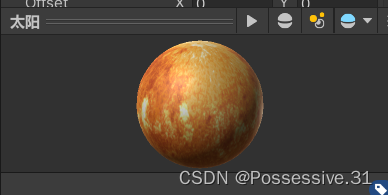
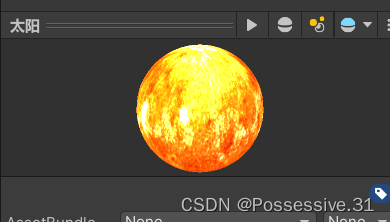
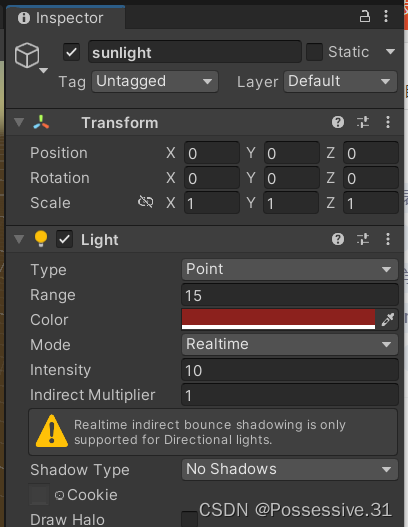
但我还想要实现明显照亮其他行星的效果,所以在太阳游戏对象中再增加了一个点光源:
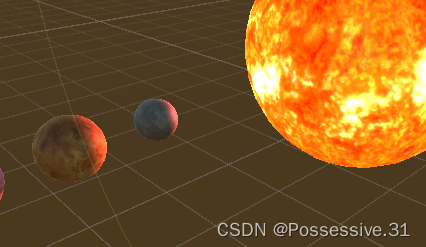
效果还是很明显的:
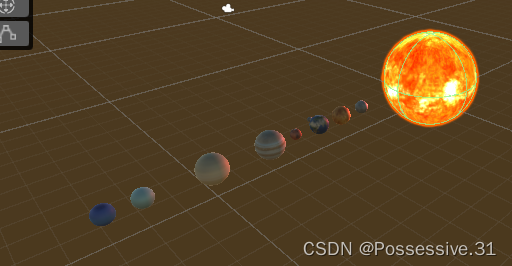
3、接着就是创建相应sphere,调整好其位置、大小等。初始化位置我统一设成在一条线上了,以便简化位置参数的调整。
脚本撰写
对于行星,要实现公转、自转以及公转法平面的设置:
using System.Collections;
using System.Collections.Generic;
using UnityEngine;

public class Rotate : MonoBehaviour
{
    public GameObject target;   //天体旋转的中心
    public float gspeed;        //公转速度
    public float zspeed;        //自转速度
    public float ry,rz;         //通过y轴和z轴调整法平面

    // Start is called before the first frame update
    void Start(){}

    // Update is called once per frame
    void Update()
    {
    	//旋转轴
        Vector3 axis = new Vector3(0,ry,rz);
        //公转
        this.transform.RotateAround(target.transform.position, axis, gspeed * Time.deltaTime);
        //自转
        this.transform.Rotate(Vector3.up * zspeed * Time.deltaTime);
    }
}

- 1
- 2
- 3
- 4
- 5
- 6
- 7
- 8
- 9
- 10
- 11
- 12
- 13
- 14
- 15
- 16
- 17
- 18
- 19
- 20
- 21
- 22
- 23
- 24
- 25
- 26
对于太阳,只需实现自转:
using System.Collections;
using System.Collections.Generic;
using UnityEngine;

public class sun_rotate : MonoBehaviour
{
    public float speed;

    // Start is called before the first frame update
    void Start(){}

    // Update is called once per frame
    void Update()
    {
        this.transform.Rotate(Vector3.up * speed * Time.deltaTime);
    }
}
- 1
- 2
- 3
- 4
- 5
- 6
- 7
- 8
- 9
- 10
- 11
- 12
- 13
- 14
- 15
- 16
- 17
将脚本Rotate挂载在所有行星上,然后进行相应参数设置。以地球为例:
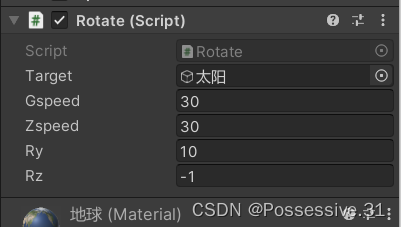
注意:月球的target为地球。
背景设置
背景素材在文章开头那个网站里也找得到。教程参见:https://segmentfault.com/a/1190000008505014
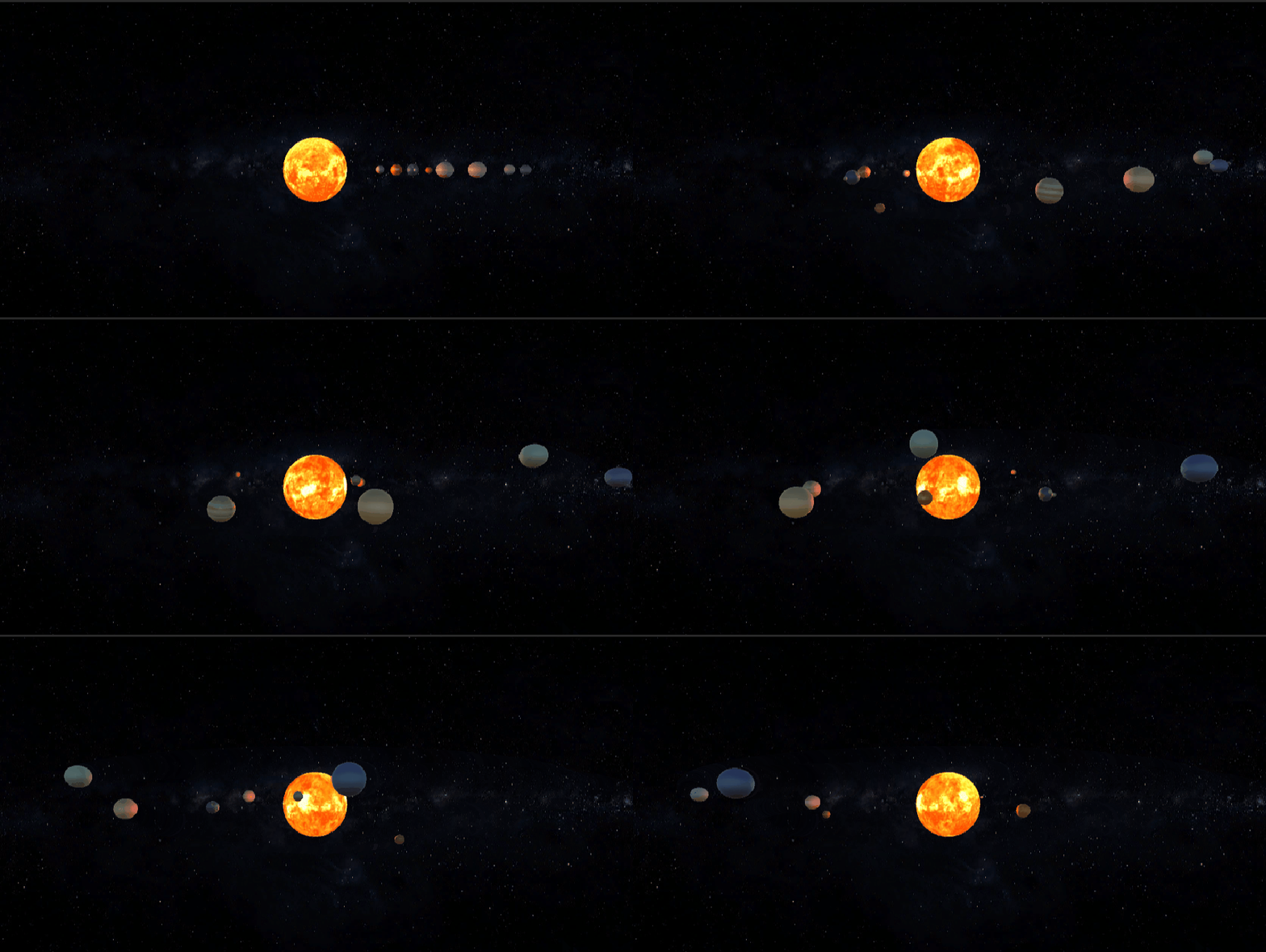
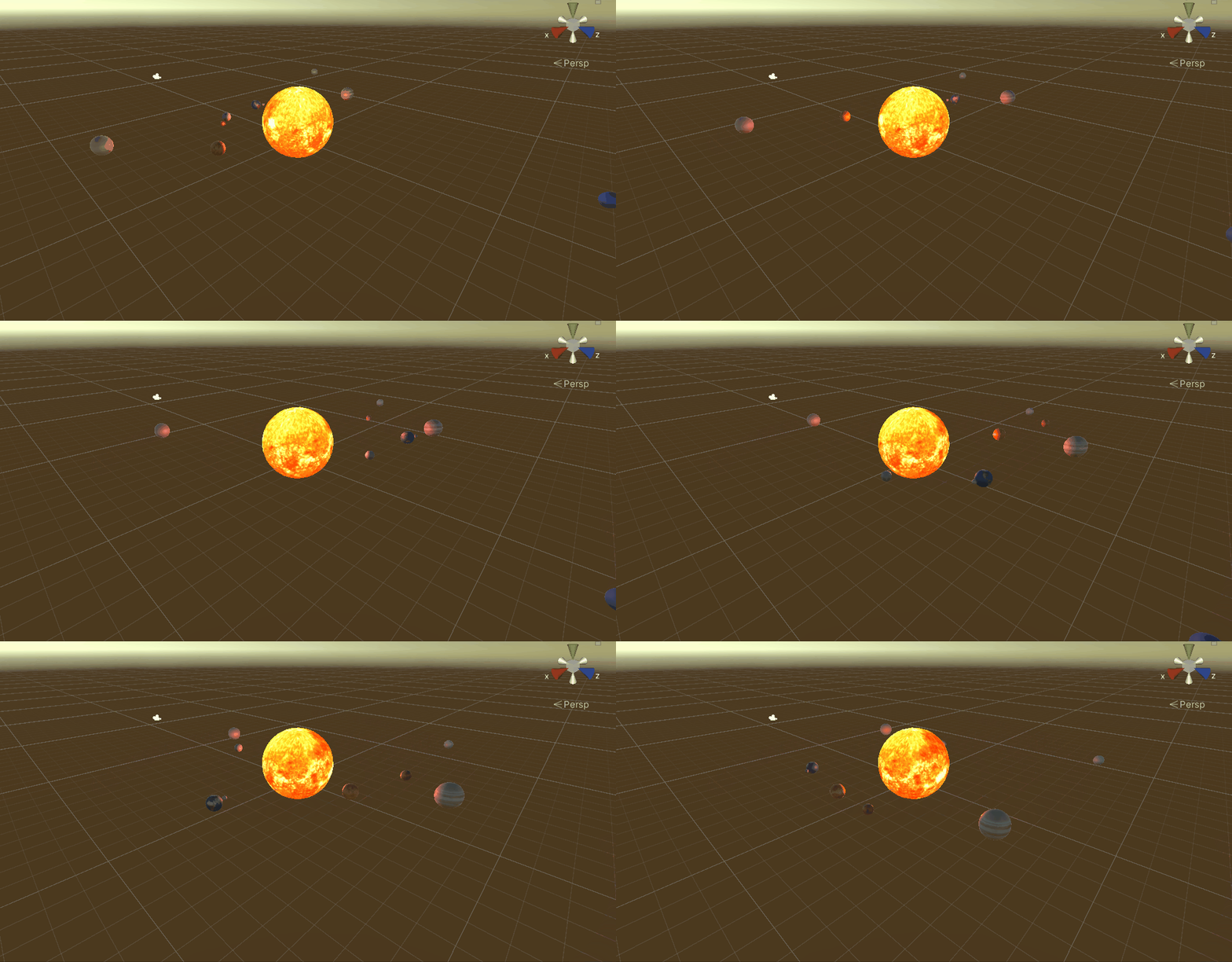
运行效果
声明:本文内容由网友自发贡献,转载请注明出处:【wpsshop博客】
推荐阅读
相关标签

