
热门标签
当前位置: article > 正文
solc安装指定版本_ubuntu安装特定版本solc
作者:数据结构灵魂2 | 2024-02-02 16:50:25
赞
踩
ubuntu安装特定版本solc
1.系统linux ubuntu20.04
2.solc安装指定版本。
在编译的时候报错
Error: Data location must be "storage" or "memory" for constructor parameter, but none was given
- 1

在网上找了许多,发现是solc版本的问题;开始改版本
3.方法一
sudo add-apt-repository ppa:ethereum/ethereum
sudo apt-get update
sudo apt-get install solc
- 1
- 2
- 3
安装指定版本,先安装brew
sudo apt install linuxbrew-wrapper
- 1
安装完以后在安装指定版本
brew install solidity@0.5.0
- 1
但是这个方案需要安装linuxbrew,我找了许多文章没学会;咱就曲线救国吧
方法二
pip3 install solc-select==0.2.0
- 1
可以选择可以安装的版本
solc-select install
- 1
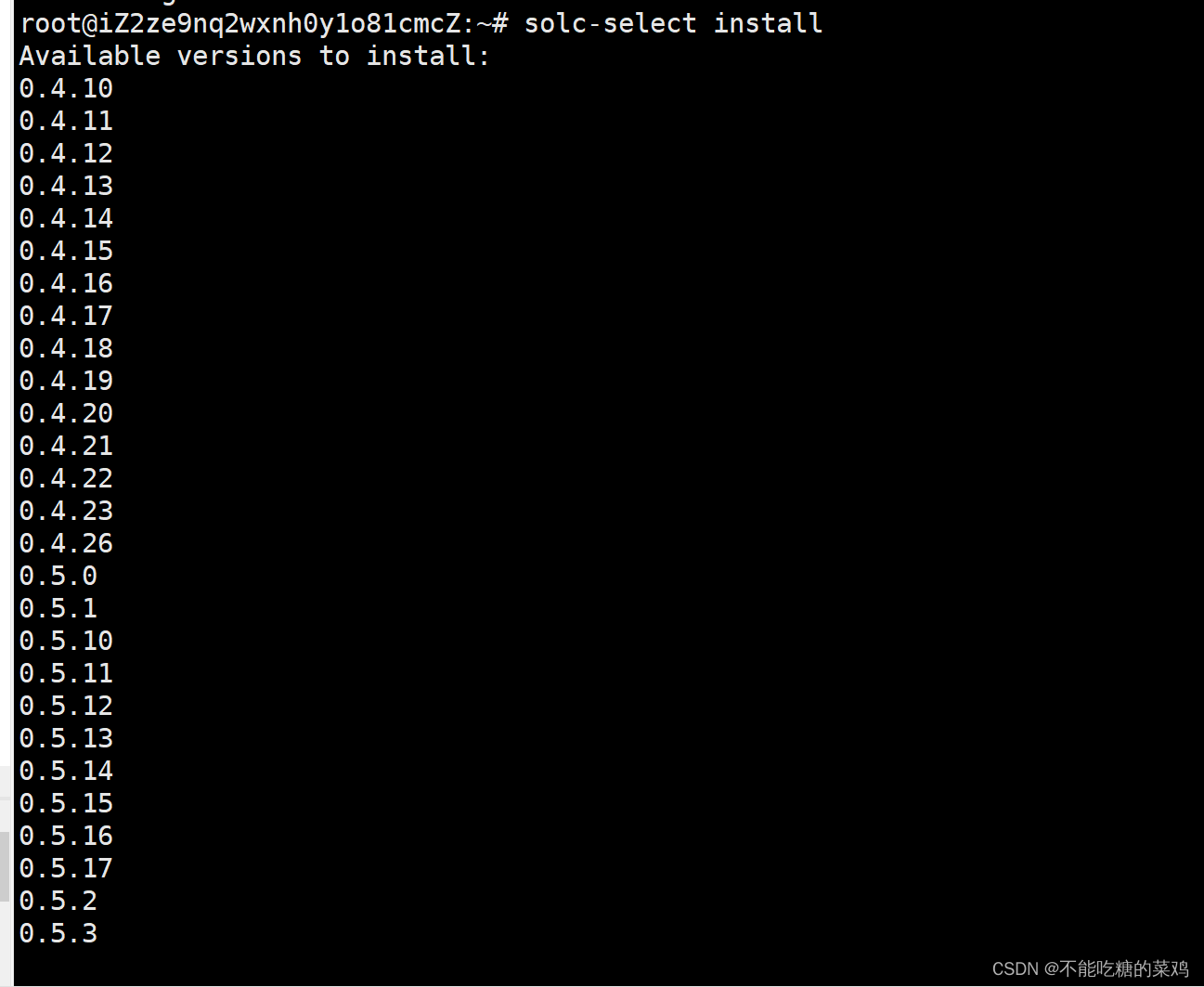
选择需要安装的版本进行安装
solc-select install 0.8.15
- 1

选择需要的版本
solc-select use 0.4.25
- 1
以上就可以了
声明:本文内容由网友自发贡献,不代表【wpsshop博客】立场,版权归原作者所有,本站不承担相应法律责任。如您发现有侵权的内容,请联系我们。转载请注明出处:https://www.wpsshop.cn/article/detail/55839
推荐阅读
相关标签

