
热门标签
热门文章
- 1顺序表oj--移除元素&&删除重复项&&合并两个有序数组_合并数组并删除相同项
- 2【无捆绑,可修改主页】系统之家 win7 32位&64位极度纯净版系统(每月更新)_win764位无捆绑
- 3Leecode刷题【1数组专题4】80. 删除排序数组中的重复项II (以及通用解法)_宫水三叶 leecode
- 4Codeforces Round #700 (Div. 2)-B. The Great Hero-题解-一行实现向上取整
- 5几乎完美安装! NVIDIA Jetson Nano B01 Ubuntu 18.04.3 LTS 的 ROS 安装和菜鸟的踩坑记录【会继续完善】_jetson nano b01可以装安卓系统
- 62014年蓝桥杯c/c++B组省赛真题解析_十四届蓝桥杯c++b题解
- 7vue提取公共方法,并解决不能使用this的问题(获取调用该方法的实例this)_vue公共方法获取this
- 8MySQL 函数参考手册(MySQL 数值函数)
- 9Inter RealSenseT265说明文档_realsenset265技术文档
- 10纯 CSS 实现十个还不错的 Loading 效果_css加载进度条动画平滑
当前位置: article > 正文
64、ubuntu使用c++/python调用alliedvisio工业相机
作者:思考机器5 | 2024-01-29 20:55:07
赞
踩
64、ubuntu使用c++/python调用alliedvisio工业相机
基本思想:需要使用linux系统调用alliedvisio工业相机完成业务,这里只做驱动相机调用,具体不涉及业务开发

一、先用软件调用一下用于机器视觉和嵌入式视觉的Vimba X 软件开发包 - Allied Vision
VimbaX_Setup-2023-4-Linux64.tar.gz,然后参考用户手册配置
- ubuntu@ubuntu:~/Downloads/VimbaX_Setup-2023-4-Linux64/VimbaX_2023-4/cti$ sudo ./VimbaGigETL_Install.sh
- Registering GENICAM_GENTL64_PATH
- Done
- Please log off once before using the GigE transport layer
- ubuntu@ubuntu:~/Downloads/VimbaX_Setup-2023-4-Linux64/VimbaX_2023-4/cti$ sudo ./VimbaUSBTL_Install.sh
- Registering GENICAM_GENTL64_PATH
- Registering AVTUSBTL device types
- Done
- Please reboot before using the USB transport layer
二、关机重启之后,使用非超级权限启动viewer
ubuntu@ubuntu:~/Downloads/VimbaX_Setup-2023-4-Linux64/VimbaX_2023-4/bin$ ./VimbaXViewer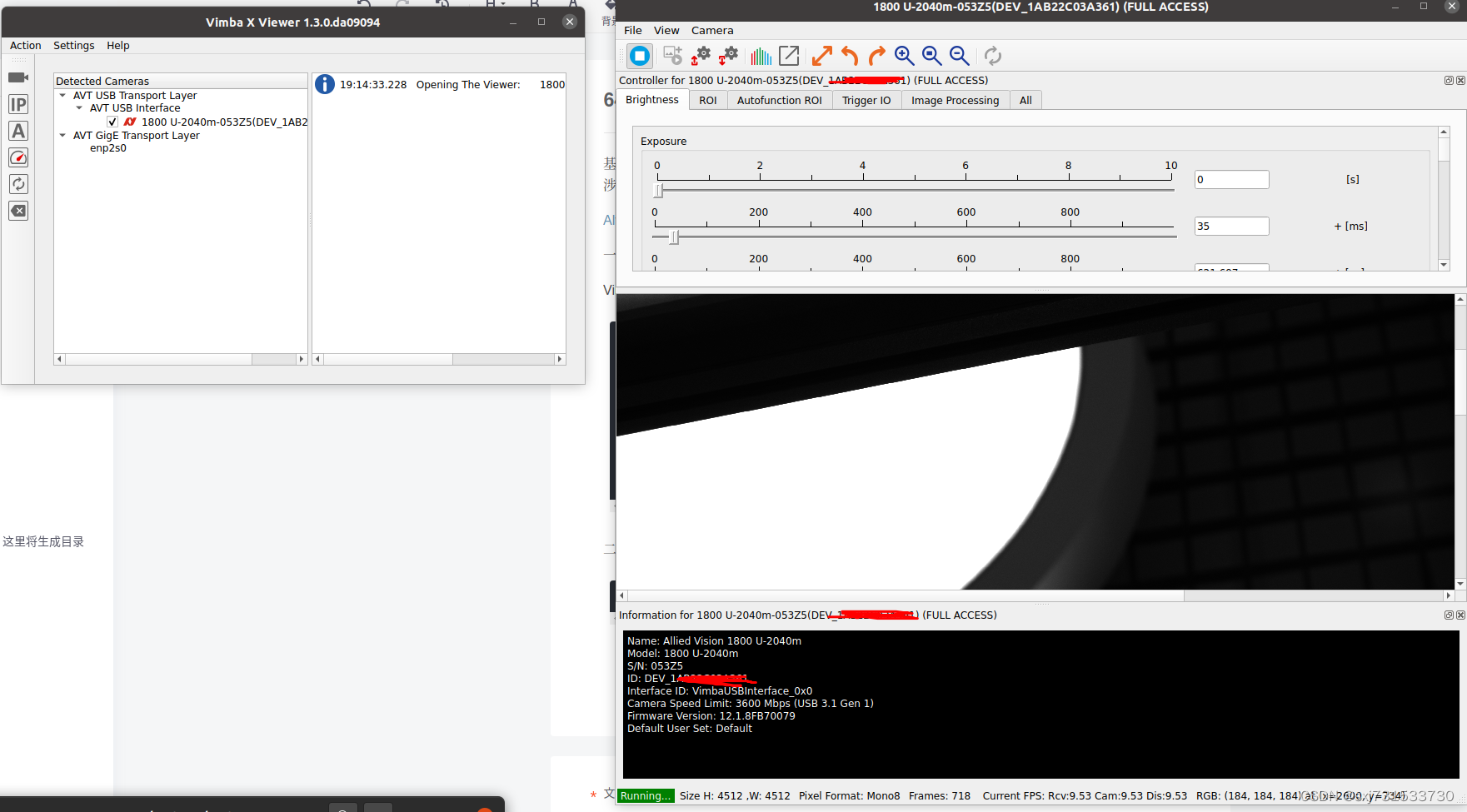
三、使用python代码调用该相机
- ubuntu@ubuntu:~/Downloads/VimbaX_Setup-2023-4-Linux64/VimbaX_2023-4/api/python$ pip3 install vmbpy-1.0.4-py3-none-any.whl
- Processing ./vmbpy-1.0.4-py3-none-any.whl
- Installing collected packages: vmbpy
- Successfully installed vmbpy-1.0.4
测试相机使用官方的demo
- ubuntu@ubuntu:~$ git clone https://github.com/alliedvision/VmbPy.git
- Cloning into 'VmbPy'...
- remote: Enumerating objects: 4891, done.
- remote: Counting objects: 100% (4891/4891), done.
- remote: Compressing objects: 100% (1267/1267), done.
- remote: Total 4891 (delta 3670), reused 4837 (delta 3616), pack-reused 0
- Receiving objects: 100% (4891/4891), 932.50 KiB | 616.00 KiB/s, done.
- Resolving deltas: 100% (3670/3670), done.
- ubuntu@ubuntu:~$ cd VmbPy/Examples/
- ubuntu@ubuntu:~/VmbPy/Examples$ ls
- action_commands.py event_handling.py multithreading_opencv.py
- asynchronous_grab_opencv.py list_cameras.py synchronous_grab.py
- asynchronous_grab.py list_chunk_data.py user_set.py
- convert_pixel_format.py list_features.py
- create_trace_log.py load_save_settings.py
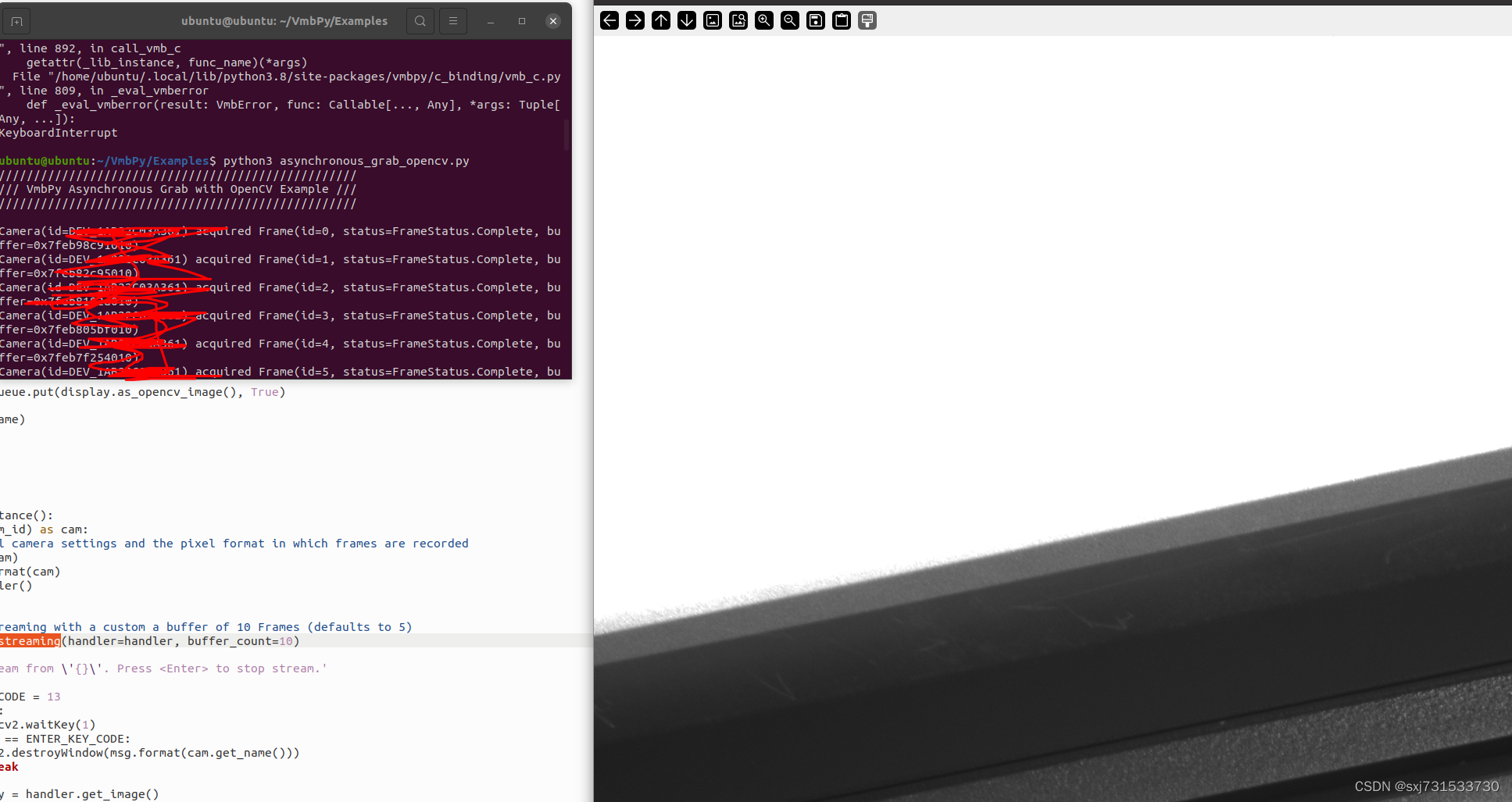
- ubuntu@ubuntu:~/VmbPy/Examples$ python3 asynchronous_grab_opencv.py
- ///
- /// VmbPy Asynchronous Grab with OpenCV Example ///
- ///

测试相机可以正常打开
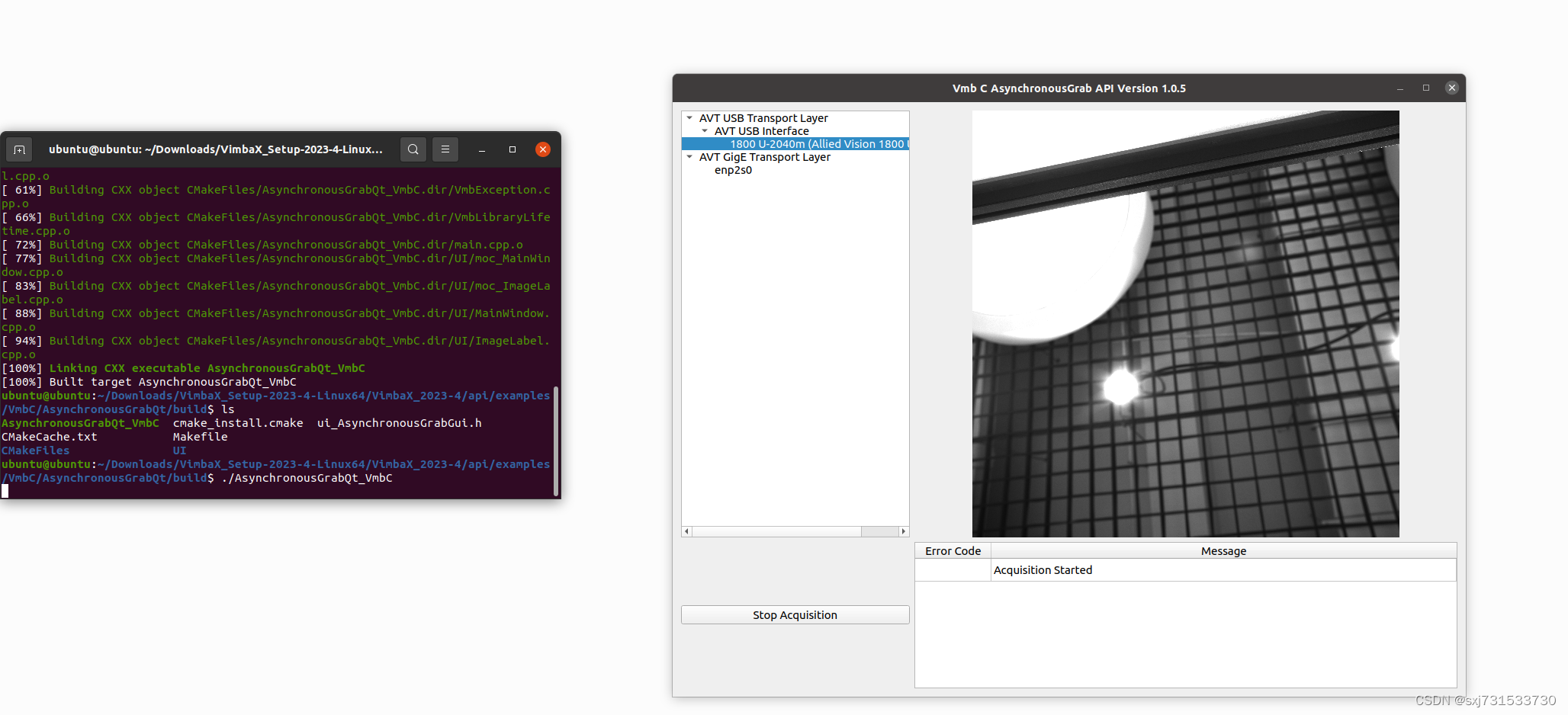
四、ubuntu上使用c++调用,调用官方的c++,等着研究剔除无用的代码
声明:本文内容由网友自发贡献,不代表【wpsshop博客】立场,版权归原作者所有,本站不承担相应法律责任。如您发现有侵权的内容,请联系我们。转载请注明出处:https://www.wpsshop.cn/article/detail/44951
推荐阅读


相关标签

