
热门标签
热门文章
- 1java aot 反编译,如何逆向Flutter应用(反编译)
- 2chatgpt赋能python:Python如何隐藏命令行窗口?_python 隐藏命令行窗口
- 3HTML-表单
- 4ubuntu-Pytorch环境配置_ubuntu下pytorch环境的搭建
- 5支持向量机回归预测SVR——MATLAB超详细代码实现过程_支持向量机回归预测模型
- 6使用tensorrt在jetson nx中部署yolov5等目标检测模型(超详细)_nvidia xavier nx部署yolo
- 7【嵌入式知识12】使用PWM实现LED呼吸灯_pwm控制led呼吸灯
- 8Tomcat -- 启动流程_tomcat启动流程
- 9Docker desktop安装后碰到的一些异常_docker desktop -unexpected wsl
- 10python按关键字爬取必应高清图片_关键字 高清图片抓取工具
当前位置: article > 正文
【HarmonyOS】【ARKUI】ets怎么实现文件操作_harmonyos应用开发读取本地txt
作者:逻辑思维 | 2024-01-19 05:15:28
赞
踩
harmonyos应用开发读取本地txt
ets怎么实现文件操作?
关于文件操作的我们可以学习HarmonyOS文件管理和Ability上下文 这两篇文档,我这边实现”文件路径读取”、“文件写入”“文件读取”,“运行效果”四个方面实现,具体操作如下
1. 文件路径读取
参考context.getFilesDir来进行获取文件路径,代码如下
- private getCacheDir(){
- var context = ability_featureAbility.getContext();
- context.getFilesDir()
- .then((data) => {
- console.log('File directory obtained. Data:' + data);
- this.path=data;
- }).catch((error) => {
- console.error('Failed to obtain the file directory. Cause: ' + error.message);
- })
- }
2. 文件写入
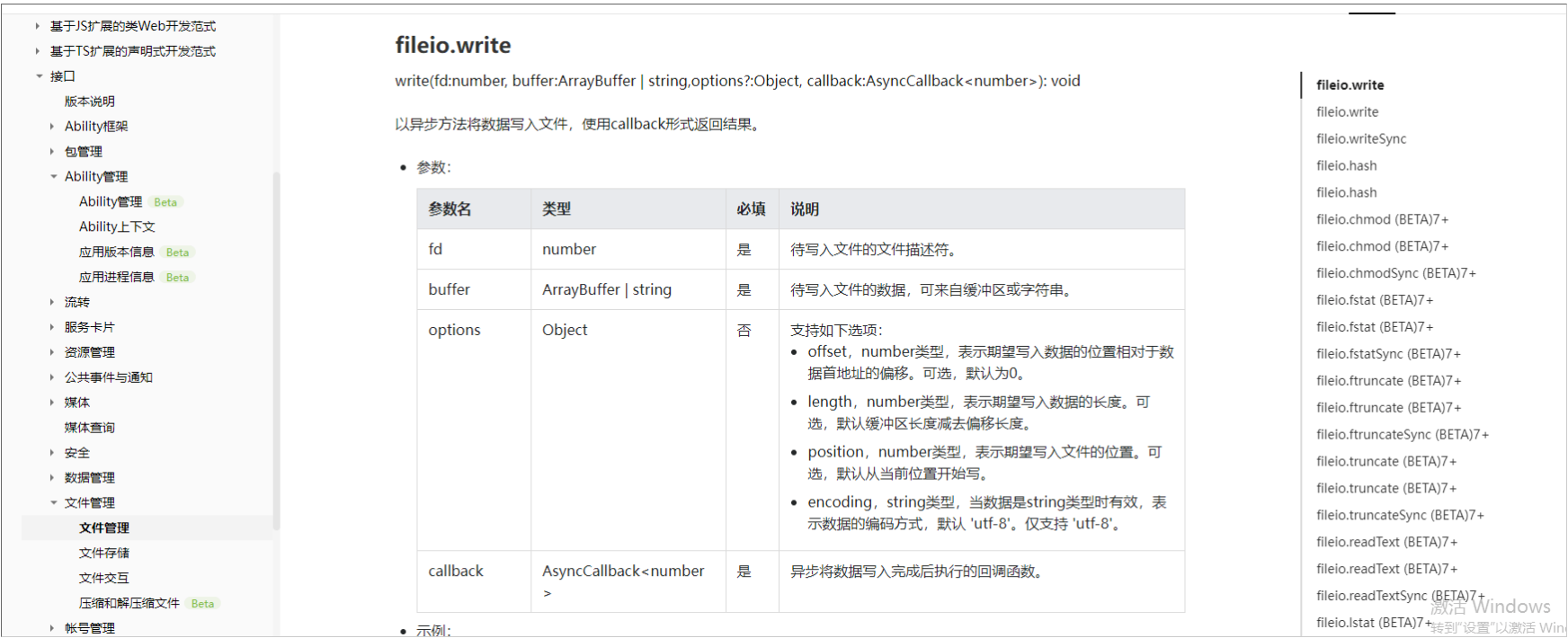
参考fileio.openSync的api,实现代码如下
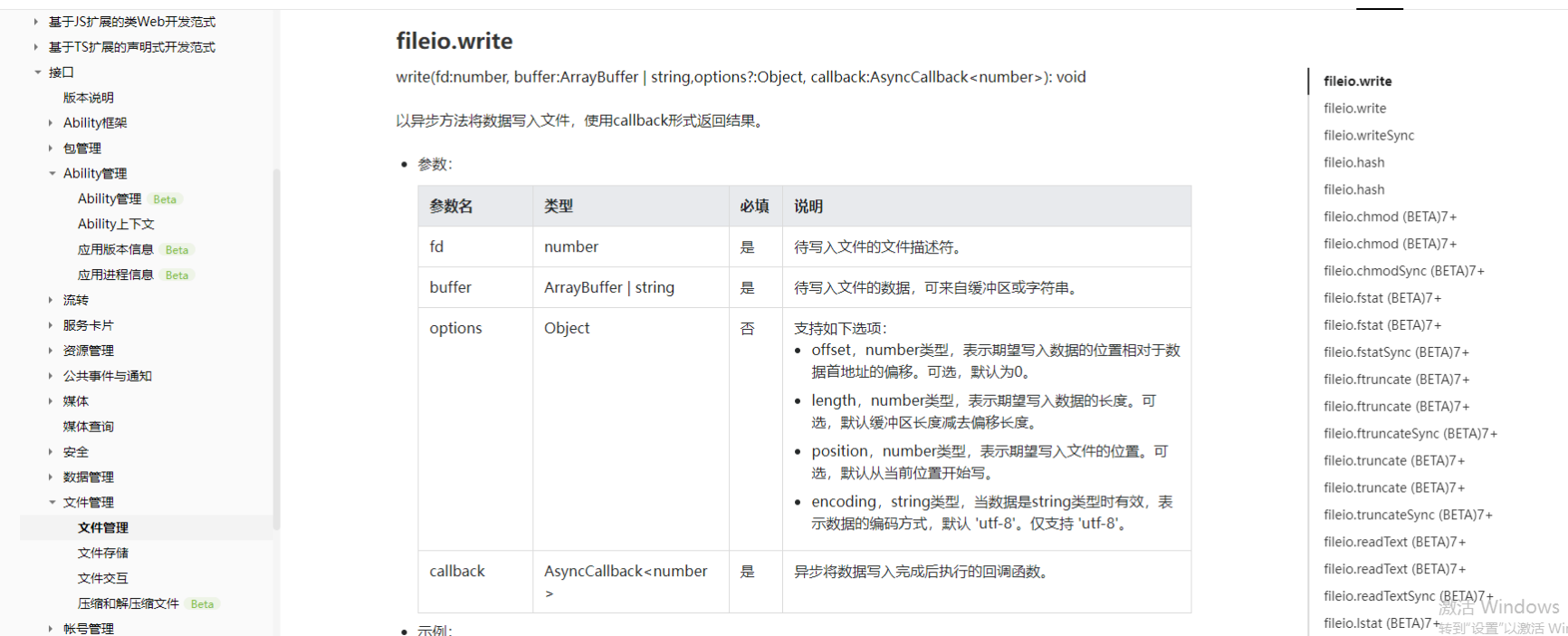
- private writeFiles(){
- let fd = fileio.openSync(this.path+"/111.txt", 0o102, 0o666);
- fileio.write(fd, "你好 2022", function (err, bytesWritten) {
- if (!err) {
- console.log("写入成功")
- }
- });
-
- }
3. 文件读取
参考 fileio.read这个api ,代码如下
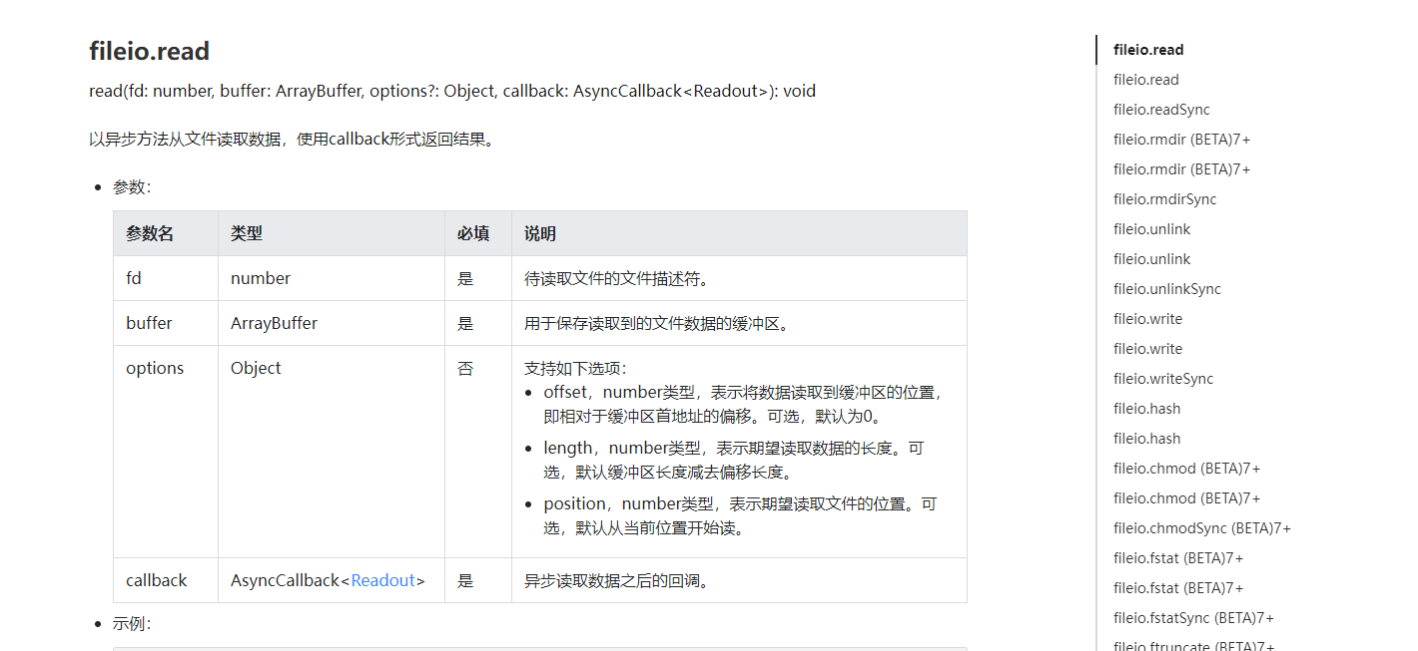
- private ReadFile(){
-
- let Filepath = this.path+"/111.txt";
-
- let fd = fileio.openSync(Filepath, 0o2);
-
- let buf = new ArrayBuffer(4096);
-
- fileio.read(fd, buf, function (err, readOut) {
-
- if (!err) {
-
- let encodedString = String.fromCodePoint.apply(null, new Uint8Array(readOut.buffer));
-
- let decodedString = decodeURIComponent(escape(encodedString));//没有这一步中文会乱码
-
- console.log("读取文件内容"+decodedString);
-
- }
-
- });
-
- }

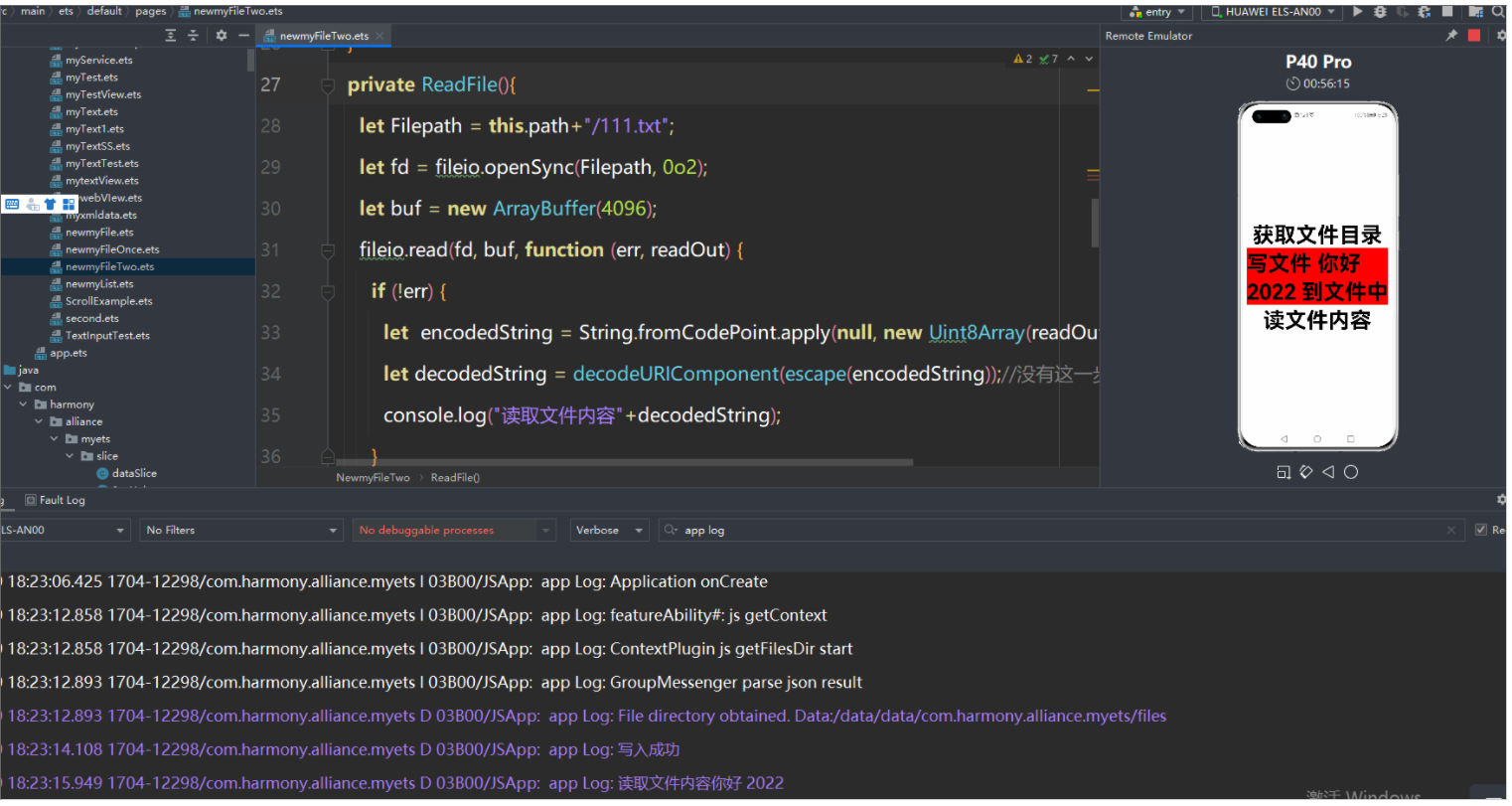
4. 运行效果
全部代码如下
- import fileio from '@ohos.fileio';
- import ability_featureAbility from '@ohos.ability.featureAbility';
- @Entry
- @Component
- struct NewmyFileTwo {
- @State path:string="";
- private getCacheDir(){
- var context = ability_featureAbility.getContext();
- context.getFilesDir()
- .then((data) => {
- console.log('File directory obtained. Data:' + data);
- this.path=data;
- }).catch((error) => {
- console.error('Failed to obtain the file directory. Cause: ' + error.message);
- })
- }
-
-
- private writeFiles(){
- let fd = fileio.openSync(this.path+"/111.txt", 0o102, 0o666);
- fileio.write(fd, "你好 2022", function (err, bytesWritten) {
- if (!err) {
- console.log("写入成功")
- }
- });
-
- }
- private ReadFile(){
- let Filepath = this.path+"/111.txt";
- let fd = fileio.openSync(Filepath, 0o2);
- let buf = new ArrayBuffer(4096);
- fileio.read(fd, buf, function (err, readOut) {
- if (!err) {
- let encodedString = String.fromCodePoint.apply(null, new Uint8Array(readOut.buffer));
- let decodedString = decodeURIComponent(escape(encodedString));//没有这一步中文会乱码
- console.log("读取文件内容"+decodedString);
- }
- });
- }
-
-
- private getFilesDirNew(){
- var context = ability_featureAbility.getContext();
- context.getFilesDir()
- .then((data) => {
- console.log('File directory obtained. Data:' + data);
- this.path=data;
- }).catch((error) => {
- console.error('Failed to obtain the file directory. Cause: ' + error.message);
- })
- }
-
- build() {
- Flex({ direction: FlexDirection.Column, alignItems: ItemAlign.Center, justifyContent: FlexAlign.Center }) {
- Text('获取文件目录')
- .fontSize(50)
- .fontWeight(FontWeight.Bold)
- .onClick(this.getFilesDirNew.bind(this));
-
- Text('写文件 你好 2022 到文件中')
- .fontSize(50)
- .fontWeight(FontWeight.Bold)
- .backgroundColor(Color.Red)
- .onClick(this.writeFiles.bind(this));
-
- Text('读文件内容')
- .fontSize(50)
- .fontWeight(FontWeight.Bold)
- .backgroundColor(Color.White)
- .onClick(this.ReadFile.bind(this));
- }
- .width('100%')
- .height('100%')
- }
- }
效果图如下:
更多相关学习资料:
https://developer.huawei.com/consumer/cn/forum/topic/0202773634874690369?fid=0101591351254000314?ha_source=zzh
声明:本文内容由网友自发贡献,不代表【wpsshop博客】立场,版权归原作者所有,本站不承担相应法律责任。如您发现有侵权的内容,请联系我们。转载请注明出处:https://www.wpsshop.cn/article/detail/41427
推荐阅读

相关标签

